2015年11月12日木曜日

UIST2015: Hands and Fingers

Improving Virtual Keyboards When All Finger Positions Are Known

http://dl.acm.org/citation.cfm?id=2807491


Current virtual keyboards are known to be slower and less convenient than physical QWERTY keyboards because they simply imitate the traditional QWERTY keyboards on touchscreens. In order to improve virtual keyboards, we consider two reasonable assumptions based on the observation of skilled typists. First, the keys are already assigned to each finger for typing. Based on this assumption, we suggest restricting each finger to entering pre-allocated keys only. Second, non-touching fingers move in correlation with the touching finger because of the intrinsic structure of human hands. To verify of our assumptions, we conducted two experiments with skilled typists. In the first experiment, we statistically verified the second assumption. We then suggest a novel virtual keyboard using our observations. In the second experiment, we show that our suggested keyboard outperforms existing virtual keyboards.

-Current virtual keyboards are slower, have errors
-Targeting done by touched point > correlation between fingers (10 finger touchpoint)
-Does correlation exist?
-How effective is the pre-allocations and correlations?
-typing speed normal < p- keyboard & PC keyboard
-error rate > PC keyboard < normal keyboard
-Sometimes PC key could enter key that typists wanted to type
-typing errors can be decreased by pre-allocation of keys (horizontal) and correlations between all fingers and keys (vertical)

ATK: Enabling Ten-Finger Freehand Typing in Air Based on 3D Hand Tracking Data

http://dl.acm.org/citation.cfm?id=2807504


Ten-finger freehand mid-air typing is a potential solution for post-desktop interaction. However, the absence of tactile feedback as well as the inability to accurately distinguish tapping finger or target keys exists as the major challenge for mid-air typing. In this paper, we present ATK, a novel interaction technique that enables freehand ten-finger typing in the air based on 3D hand tracking data. Our hypothesis is that expert typists are able to transfer their typing ability from physical keyboards to mid-air typing. We followed an iterative approach in designing ATK. We first empirically investigated users' mid-air typing behavior, and examined fingertip kinematics during tapping, correlated movement among fingers and 3D distribution of tapping endpoints. Based on the findings, we proposed a probabilistic tap detection algorithm, and augmented Goodman's input correction model to account for the ambiguity in distinguishing tapping finger. We finally evaluated the performance of ATK with a 4-block study. Participants typed 23.0 WPM with an uncorrected word-level error rate of 0.3% in the first block, and later achieved 29.2 WPM in the last block without sacrificing accuracy.

-Detect taps as well as tapping location > use bayesian method to detect
-Used LeapMotion as sensor
-Movement correlation between fingers - 89% for one tap, 56% for 5 characters > redesigned the algorithm
-"Augmented Bayesian method"
  -Steps: Detect tap > estimate active finger > use Bayesian method to interpret the input
  -Tap detection: define peak velocity for each finger > detect tap if any finger exceeds threashold > determine optimal alpha > final classification accuracy
  -Language model, 3D spatial model and finger tapping model
  -delete the word / audio feedback
  -user study: type as fast and as accurate as possible, and delete and retype
-Conclusion : user can perform ten-finger typing in the air without feedback, and computer can interpret users' intended word from 3D hand/finger movement data
-Future work: support character-level input, experiment with different sensor placement, improve Bayesian algorithm for missing taps

CyclopsRing: Enabling Whole-Hand and Context-Aware Interactions Through a Fisheye Ring

http://dl.acm.org/citation.cfm?id=2807450


This paper presents CyclopsRing, a ring-style fisheye imaging wearable device that can be worn on hand webbings to en- able whole-hand and context-aware interactions. Observing from a central position of the hand through a fisheye perspective, CyclopsRing sees not only the operating hand, but also the environmental contexts that involve with the hand-based interactions. Since CyclopsRing is a finger-worn device, it also allows users to fully preserve skin feedback of the hands. This paper demonstrates a proof-of-concept device, reports the performance in hand-gesture recognition using random decision forest (RDF) method, and, upon the gesture recognizer, presents a set of interaction techniques including on-finger pinch-and-slide input, in-air pinch-and-motion input, palm-writing input, and their interactions with the environ- mental contexts. The experiment obtained an 84.75% recognition rate of hand gesture input from a database of seven hand gestures collected from 15 participants. To our knowledge, CyclopsRing is the first ring-wearable device that supports whole-hand and context-aware interactions.

-using hand as mouse
-pipeline
-84% accuracy
-on-finger slider
-palm writing
-fingernail detector (lots of false positive)
-pen writing
-visual feature tracking /recognition
-average gesture recognition rate - 84.75%
-conclusion:
  -ring-wearable for whole-hand and context-aware interaction
  -discrete input with gesture recognizer
  -continuous/rich input with heuristics
  -wide-angle short-range depth sensing in future

BackHand: Sensing Hand Gestures via Back of the Hand

http://dl.acm.org/citation.cfm?id=2807462


In this paper, we explore using the back of hands for sensing hand gestures, which interferes less than glove-based approaches and provides better recognition than sensing at wrists and forearms. Our prototype, BackHand, uses an array of strain gauge sensors affixed to the back of hands, and applies machine learning techniques to recognize a variety of hand gestures. \ \ We conducted a user study with 10 participants to better understand gesture recognition accuracy and the effects of sensing locations. Results showed that sensor reading patterns differ significantly across users, but are consistent for the same user. The leave-one-user-out accuracy is low at an average of 27.4%, but reaches 95.8% average accuracy for 16 popular hand gestures when personalized for each participant. The most promising location spans the 1/8~1/4 area between the metacarpophalangeal joints (MCP, the knuckles between the hand and fingers) and the head of ulna (tip of the wrist).

-past work:
  -cat1:
  -sixSense (2009), Digits (2012)
  -cat2: finger-based, wrist-based
  -Ubicomp, wristflex
  -cat3:
  -EMG- high powerconsuption
A-finger based
B-wrist based
C-arm based
-back of the hand
-strain gauge sensor
-8-rows > 16 gestures x 10 trials
-Heat Map visualization
-same gesture heat map by multiple people >27.4% > personalized visualization?
-personalized accuracy rates 95.8%
-confusion matrix
-Limitations -personalized model for each user, sensor durability, smart skin reusability
-Conclusion:
  - new signal source, 16 gestures 95.8% accuracy, sensor location

Disclaimer: The opinions expressed here are my own, and do not reflect those of my employer. -Fumi Yamazaki

UIST2015: Wearable and Mobile Interactions


NanoStylus: Enhancing Input on Ultra-Small Displays with a Finger-Mounted Stylus

http://dl.acm.org/citation.cfm?id=2807500


Due to their limited input area, ultra-small devices, such as smartwatches, are even more prone to occlusion or the fat finger problem, than their larger counterparts, such as smart phones, tablets, and tabletop displays. We present NanoStylus – a finger-mounted fine-tip stylus that enables fast and accurate pointing on a smartwatch with almost no occlusion. The NanoStylus is built from the circuitry of an active capacitive stylus, and mounted within a custom 3D-printed thimble-shaped housing unit. A sensor strip is mounted on each side of the device to enable additional gestures. A user study shows that NanoStylus reduces error rate by 80%, compared to traditional touch interaction and by 45%, compared to a traditional stylus. This high precision pointing capability, coupled with the implemented gesture sensing, gives us the opportunity to explore a rich set of interactive applications on a smartwatch form factor.
-7mm, 2mm
-3D printed several cases
-nib length > tradeoff accuracy, occlusion and speed
-thumb stabilization
-form factor
  -nib: 2mm
  -center of index finger
-width, length
-reduce error rate by 45%
-nanoStylus + Finger Touch
-type, delete, upper case, copy & paste, draw/sketch, zoom/move the canvas

Orbits: Gaze Interaction for Smart Watches using Smooth Pursuit Eye Movements

http://dl.acm.org/citation.cfm?id=2807499


We introduce Orbits, a novel gaze interaction technique that enables hands-free input on smart watches. The technique relies on moving controls to leverage the smooth pursuit movements of the eyes and detect whether and at which control the user is looking at. In Orbits, controls include targets that move in a circular trajectory in the face of the watch, and can be selected by following the desired one for a small amount of time. We conducted two user studies to assess the technique’s recognition and robustness, which demonstrated how Orbits is robust against false positives triggered by natural eye movements and how it presents a hands-free, high accuracy way of interacting with smart watches using off-the-shelf devices. Finally, we developed three example interfaces built with Orbits: a music player, a notifications face plate and a missed call menu. Despite relying on moving controls – very unusual in current HCI interfaces – these were generally well received by participants in a third and final study.
-Other research: input to strap, above display, use frames, etc
-Using gaze for watch interaction
-User study
  -game, watch video
  -96%
-Pupil pro, Callistro360
-performance > target supported 2-16
-media player, social media, contextual menu (answer phone, mail etc)

Candid Interaction: Revealing Hidden Mobile and Wearable Computing Activities

http://dl.acm.org/citation.cfm?id=2807449


The growth of mobile and wearable technologies has made it often difficult to understand what people in our surroundings are doing with their technology. In this paper, we introduce the concept of candid interaction: techniques for providing awareness about our mobile and wearable device usage to others in the vicinity. We motivate and ground this exploration through a survey on current attitudes toward device usage during interpersonal encounters. We then explore a design space for candid interaction through seven prototypes that leverage a wide range of technological enhancements, such as Augmented Reality, shape memory muscle wire, and wearable projection. Preliminary user feedback of our prototypes highlights the trade-offs between the benefits of sharing device activity and the need to protect user privacy.
-everyone has smart watch or other wearables, not sure what they are doing
-keep interactions hidden
-deceptive interaction (in cup, on book etc)
-subtle <-> candid <-> collaborative (look up important info)
-design space - modality, granularity, representation
-prototype #1 grounding notifications
-prototype #2 abstract history
-prototype #3 semantic focus
-prototype #4 status band
-prototype #5
-prototype #6 proxemic AR
-prototype #7 fog hat
-feedback > willingness to share, importance of context and moderate backchannel
-future work > context awareness, in-situ testing

Sensing Tablet Grasp + Micro-mobility for Active Reading

http://dl.acm.org/citation.cfm?id=2807510


The orientation and repositioning of physical artefacts (such as paper documents) to afford shared viewing of content, or to steer the attention of others to specific details, is known as micro-mobility. But the role of grasp in micro-mobility has rarely been considered, much less sensed by devices. \ \ We therefore employ capacitive grip sensing and inertial motion to explore the design space of combined grasp + micro-mobility by considering three classes of technique in the context of active reading. Single user, single device techniques support grip-influenced behaviors such as bookmarking a page with a finger, but combine this with physical embodiment to allow flipping back to a previous location. Multiple user, single device techniques, such as passing a tablet to another user or working side-by-side on a single device, add fresh nuances of expression to co-located collaboration. And single user, multiple device techniques afford facile cross-referencing of content across devices. Founded on observations of grasp and micro-mobility, these techniques open up new possibilities for both individual and collaborative interaction with electronic documents.

-micro-mobility
-grasp device and pass the device to the other person
-user test > presentation, cooperation, competition
-face to face handoff (multi user, single-device)
-immersive read, thumb bookmark with tip-to-flip (single user,single-device)
-fine-grained reference + hold to refer feedback (single user, multiple-device)
-side-by-side hand-off could not be recognized by the system


Disclaimer: The opinions expressed here are my own, and do not reflect those of my employer. -Fumi Yamazaki
2015年11月11日水曜日

UIST2015: Touch Input

Biometric Touch Sensing: Seamlessly Augmenting Each Touch with Continuous Authentication

http://dl.acm.org/citation.cfm?id=2807458


Current touch devices separate user authentication from regular interaction, for example by displaying modal login screens before device usage or prompting for in-app passwords, which interrupts the interaction flow. We propose biometric touch sensing, a new approach to representing touch events that enables commodity devices to seamlessly integrate authentication into interaction: From each touch, the touchscreen senses the 2D input coordinates and at the same time obtains biometric features that identify the user. Our approach makes authentication during interaction transparent to the user, yet ensures secure interaction at all times. To implement this on today’s devices, our watch prototype Bioamp senses the impedance profile of the user’s wrist and modulates a signal onto the user’s body through skin using a periodic electric signal. This signal affects the capacitive values touchscreens measure upon touch, allowing devices to identify users on each touch. We integrate our approach into Windows 8 and discuss and demonstrate it in the context of various use cases, including access permissions and protecting private screen contents on personal and shared devices. 
-user authentication
-continuous authentication
-detect people based on shoes
-data transfer to touchscreen

-conversation with Atmel
-go through body -> can do with ankle

Push-Push: A Drag-like Operation Overlapped with a Page Transition Operation on Touch Interfaces


A page transition operation on touch interfaces is a common and frequent subtask when one conducts a drag-like operation such as selecting text and dragging an icon. Traditional page transition gestures such as scrolling and flicking gestures, however, cannot be conducted while conducting the drag-like operation since they have a confliction. We proposed Push-Push that is a new drag-like operation not in conflict with page transition operations. Thus, page transition operations could be conducted while performing Push-Push. To design Push-Push, we utilized the hover and pressed states as additional input states of touch interfaces. The results from two experiments showed that Push-Push has an advantage on increasing performance and qualitative opinions of users while reducing the subjective overload.

Out > hover > touch > press

Exploring and Understanding Unintended Touch during Direct Pen Interaction


The user experience on tablets that support both touch and styli is less than ideal, due in large part to the problem of unintended touch or palm rejection. Devices are often unable to distinguish between intended touch (i.e., interaction on the screen intended for action) and unintended touch (i.e., incidental interaction from the palm, forearm, or fingers). This often results in stray ink strokes and accidental navigation, frustrating users. We present a data collection experiment where participants performed inking tasks, and where natural tablet and stylus behaviors were observed and analyzed from both digitizer and behavioral perspectives. An analysis and comparison of novel and existing unintended touch algorithms revealed that the use of stylus information can greatly reduce unintended touch. Our analysis also revealed many natural stylus behaviors that influence unintended touch, underscoring the importance of application and ecosystem demands, and providing many avenues for future research and technological advancement.
-distinguish intentional / unintentional touch
-palm rejection - skin input variations, hand posture, method of moving stylus
-right/left handed users behave differently
-importance of pre-touch information and continuous stylus location

Pin-and-Cross: A Unimanual Multitouch Technique Combining Static Touches with Crossing Selection


We define, explore, and demonstrate a new multitouch interaction space called “pin-and-cross.” It combines one or more static touches (“pins”) with another touch to cross a radial target, all performed with one hand. A formative study reveals pin-and-cross kinematic characteristics and evaluates fundamental performance and preference for target angles. These results are used to form design guidelines and recognition heuristics for pin-and-cross menus invoked with one and two pin fingers on first touch or after a drag. These guidelines are used to implement different pin-and-cross techniques. A controlled experiment compares a one finger pin-and-cross contextual menu to a Marking Menu and partial Pie Menu: pin-and-cross is just as accurate and 27% faster when invoked on a draggable object. A photo app demonstrates more pin-and-cross variations for extending two-finger scrolling, selecting modes while drawing, constraining two-finger transformations, and combining pin-and-cross with a Marking Menu.

Disclaimer: The opinions expressed here are my own, and do not reflect those of my employer. -Fumi Yamazaki

UIST2015: Fabrication 2: Flexible and Printed Electronics

Foldio: Digital Fabrication of Interactive and Shape-­Changing Objects With Foldable Printed Electronics

http://dl.acm.org/citation.cfm?id=2807494

- folding
- edge touch slider
- shape sensing/control open//close
- actuation


Foldios are foldable interactive objects with embedded input sensing and output capabilities. Foldios combine the advantages of folding for thin, lightweight and shape-changing objects with the strengths of thin-film printed electronics for embedded sensing and output. To enable designers and end-users to create highly custom interactive foldable objects, we contribute a new design and fabrication approach. It makes it possible to design the foldable object in a standard 3D environment and to easily add interactive high-level controls, eliminating the need to manually design a fold pattern and low-level circuits for printed electronics. Second, we contribute a set of printable user interface controls for touch input and display output on folded objects. Moreover, we contribute controls for sensing and actuation of shape-changeable objects. We demonstrate the versatility of the approach with a variety of interactive objects that have been fabricated with this framework.

uniMorph - Fabricating Thin Film Composites for Shape-Changing Interfaces

http://dl.acm.org/citation.cfm?id=2807472

3 components:
-environmental actuation
-computational control
-sensing and control


Researchers have been investigating shape-changing interfaces, however technologies for thin, reversible shape change remain complicated to fabricate. uniMorph is an enabling technology for rapid digital fabrication of customized thin-film shape-changing interfaces. By combining the thermoelectric characteristics of copper with the high thermal expansion rate of ultra-high molecular weight polyethylene, we are able to actuate the shape of flexible circuit composites directly. The shape-changing actuation is enabled by a temperature driven mechanism and reduces the complexity of fabrication for thin shape-changing interfaces. In this paper we describe how to design and fabricate thin uniMorph composites. We present composites that are actuated by either environmental temperature changes or active heating of embedded structures and provide a systematic overview of shape-changing primitives. Finally, we present different sensing techniques that leverage the existing copper structures or can be seamlessly embedded into the uniMorph composite. To demonstrate the wide applicability of uniMorph, we present several applications in ubiquitous and mobile computing.

Printem: Instant Printed Circuit Boards with Standard Office Printers & Inks

http://dl.acm.org/citation.cfm?id=2807511


Printem film, a novel method for the fabrication of Printed Circuit Boards (PCBs) for small batch/prototyping use, is presented. Printem film enables a standard office inkjet or laser printer, using standard inks, to produce a PCB: the user prints a negative of the PCB onto the film, exposes it to UV or sunlight, and then tears-away the unneeded portion of the film, leaving-behind a copper PCB. PCBs produced with Printem film are as conductive as PCBs created using standard industrial methods. Herein, the composition of Printem film is described, and advantages of various materials discussed. Sample applications are also described, each of which demonstrates some unique advantage of Printem film over current prototyping methods: conductivity, flexibility, the ability to be cut with a pair of scissors, and the ability to be mounted to a rigid backplane.
Capricate: A Fabrication Pipeline to Design and 3D Print Capacitive Touch Sensors for Interactive Objects

http://dl.acm.org/citation.cfm?id=2807503


3D printing is widely used to physically prototype the look and feel of 3D objects. \ Interaction possibilities of these prototypes, however, are often limited to mechanical parts or post-assembled electronics. In this paper, we present Capricate, a fabrication pipeline that enables users to easily design and 3D print highly customized objects that feature embedded capacitive multi-touch sensing. The object is printed in a single pass using a commodity multi-material 3D printer. To enable touch input on a wide variety of 3D printable surfaces, we contribute two techniques for designing and printing embedded sensors of custom shape. The fabrication pipeline is technically validated by a series of experiments and practically validated by a set of example applications. They demonstrate the wide applicability of Capricate for interactive objects.

Disclaimer: The opinions expressed here are my own, and do not reflect those of my employer. -Fumi Yamazaki
2015年11月10日火曜日

UIST2015: Sensing Techniques

Tracko: Ad-hoc Mobile 3D Tracking Using Bluetooth Low Energy and Inaudible Signals for Cross-Device Interaction

http://dl.acm.org/citation.cfm?id=2807475


While current mobile devices detect the presence of surrounding devices, they lack a truly spatial awareness to bring them into the user’s natural 3D space. We present Tracko, a 3D tracking system between two or more commodity devices without added components or device synchronization. Tracko achieves this by fusing three signal types. 1) Tracko infers the presence of and rough distance to other devices from the strength of Bluetooth low energy signals. 2) Tracko exchanges a series of inaudible stereo sounds and derives a set of accurate distances between devices from the difference in their arrival times. A Kalman filter integrates both signal cues to place collocated devices in a shared 3D space, combining the robustness of Bluetooth with the accuracy of audio signals for relative 3D tracking. 3) Tracko incorporates inertial sensors to refine 3D estimates and support quick interactions. Tracko robustly tracks devices in 3D with a mean error of 6.5 cm within 0.5 m and a 13 cm error within 1 m, which validates Tracko’s suitability for cross-device interactions.
EM-Sense: Touch Recognition of Uninstrumented, Electrical and Electromechanical Objects

http://dl.acm.org/citation.cfm?id=2807481


Most everyday electrical and electromechanical objects emit small amounts of electromagnetic (EM) noise during regular operation. When a user makes physical contact with such an object, this EM signal propagates through the user, owing to the conductivity of the human body. By modifying a small, low-cost, software-defined radio, we can detect and classify these signals in real-time, enabling robust on-touch object detection. Unlike prior work, our approach requires no instrumentation of objects or the environment; our sensor is self-contained and can be worn unobtrusively on the body. We call our technique EM-Sense and built a proof-of-concept smartwatch implementation. Our studies show that discrimination between dozens of objects is feasible, independent of wearer, time and local environment.

study #1
9 objects, 2 location, trained on 1 person tested on 12 people 6weeks after training> 96.1% accuracy
study#2
24 objects > 97.9% accuracy
study #3
multiple objects of similar category
study#4
identical objects (5 imacs, 4 conf room schedules)
imacs 100%, room scheduler 98%)
>object libraries
study#5
detect object states? (off, low, mid, high of dremel)

usecase
toothbrush > start timer
touch refrigerator and cooking> start radio
touch room door> receive messages
touch wood piece with dremel > instructions advance

limitations: not all objects emit EMI signals, some environments are noisy, doppler shifts.

Tomo: Wearable, Low-Cost Electrical Impedance Tomography for Hand Gesture Recognition

http://dl.acm.org/citation.cfm?id=2807480

smart watch + hand gesture

MRI > magnetic fields and radio waves
CT scan > X-ray
tomo > electric signal


We present Tomo, a wearable, low-cost system using Electrical Impedance Tomography (EIT) to recover the interior impedance geometry of a user’s arm. This is achieved by measuring the cross-sectional impedances between all pairs of eight electrodes resting on a user’s skin. Our approach is sufficiently compact and low-powered that we integrated the technology into a prototype wrist- and armband, which can monitor and classify gestures in real-time. We conducted a user study that evaluated two gesture sets, one focused on gross hand gestures and another using thumb-to-finger pinches. Our wrist location achieved 97% and 87% accuracies on these gesture sets respectively, while our arm location achieved 93% and 81%. We ultimately envision this technique being integrated into future smartwatches, allowing hand gestures and direct touch manipulation to work synergistically to support interactive tasks on small screens. 
use case:
grasp and answer phone call, open and dismiss.

Corona: Positioning Adjacent Device with Asymmetric Bluetooth Low Energy RSSI Distributions

http://dl.acm.org/citation.cfm?id=2807485


We introduce Corona, a novel spatial sensing technique that implicitly locates adjacent mobile devices in the same plane by examining asymmetric Bluetooth Low Energy RSSI distributions. The underlying phenomenon is that the off-center BLE antenna and asymmetric radio frequency topology create a characteristic Bluetooth RSSI distribution around the device. By comparing the real-time RSSI readings against a RSSI distribution model, each device can derive the relative position of the other adjacent device. Our experiments using an iPhone and iPad Mini show that Corona yields position estimation at 50% accuracy within a 2cm range, or 85% for the best two candidates. We developed an application to combine Corona with accelerometer readings to mitigate ambiguity and enable cross-device interactions on adjacent devices.


Disclaimer: The opinions expressed here are my own, and do not reflect those of my employer. -Fumi Yamazaki
UIST2015 Fabrication 1: Augmentation

Encore: 3D Printed Augmentation of Everyday Objects with Printed-Over, Affixed and Interlocked Attachments

http://dl.acm.org/citation.cfm?id=2807498


One powerful aspect of 3D printing is its ability to extend, repair, or more generally modify everyday objects. However, nearly all existing work implicitly assumes that whole objects are to be printed from scratch. Designing objects as extensions or enhancements of existing ones is a laborious process in most of today’s 3D authoring tools. This paper presents a framework for 3D printing to augment existing objects that covers a wide range of attachment options. We illustrate the framework through three exemplar attachment techniques – print-over, print-to-affix and print-through, implemented in Encore, a design tool that supports a set of analysis metrics relating to viability, durability and usability that are visualized for the user to explore design options and tradeoffs. Encore also generates 3D models for production, addressing issues such as support jigs and contact geometry between the attached part and the original object. Our validation helps to illustrate the strengths and weaknesses of each technique. For example, print-over is stronger than print-to-affix with adhesives, and all the techniques’ strengths are affected by surface curvature.

Print-Over
-extrude and add attachment and connector
-support structure
Print-to-Affix
-print new parts affixable
Print-Through
-use physics simulation

Patching Physical Objects

http://dl.acm.org/citation.cfm?id=2807467


How to keep sustainability of 3D printed objects?
> Not to reprint every time, but to patch/edit the printed objects.
Print > re-scan the old 3D model to patch.

Personal fabrication is currently a one-way process: Once an object has been fabricated with a 3D printer, it cannot be changed anymore; any change requires printing a new version from scratch. The problem is that this approach ignores the nature of design iteration, i.e. that in subsequent iterations large parts of an object stay the same and only small parts change. This makes fabricating from scratch feel unnecessary and wasteful. 
In this paper, we propose a different approach: instead of re-printing the entire object from scratch, we suggest patching the existing object to reflect the next design iteration. We built a system on top of a 3D printer that accomplishes this: Users mount the existing object into the 3D printer, then load both the original and the modified 3D model into our software, which in turn calculates how to patch the object. After identifying which parts to remove and what to add, our system locates the existing object in the printer using the system’s built-in 3D scanner. After calibrating the orientation, a mill first removes the outdated geometry, then a print head prints the new geometry in place. Since only a fraction of the entire object is refabricated, our approach reduces material consumption and plastic waste (for our example objects by 82% and 93% respectively). 
ReForm: Integrating Physical and Digital Design through Bidirectional Fabrication

http://dl.acm.org/citation.cfm?id=2807451


Digital fabrication machines such as 3D printers and laser-cutters allow users to produce physical objects based on virtual models. The creation process is currently unidirectional: once an object is fabricated it is separated from its originating virtual model. Consequently, users are tied into digital modeling tools, the virtual design must be completed before fabrication, and once fabricated, re-shaping the physical object no longer influences the digital model. To provide a more flexible design process that allows objects to iteratively evolve through both digital and physical input, we introduce bidirectional fabrication. To demonstrate the concept, we built ReForm, a system that integrates digital modeling with shape input, shape output, annotation for machine commands, and visual output. By continually synchronizing the physical object and digital model it supports object versioning to allow physical changes to be undone. Through application examples, we demonstrate the benefits of ReForm to the digital fabrication process.
Makers’ Marks: Physical Markup for Designing and Fabricating Functional Objects

http://dl.acm.org/citation.cfm?id=2807508


To fabricate functional objects, designers create assemblies combining existing parts (e.g., mechanical hinges, electronic components) with custom-designed geometry (e.g., enclosures). Modeling complex assemblies is outside the reach of the growing number of novice ``makers'' with access to digital fabrication tools. We aim to allow makers to design and 3D print functional mechanical and electronic assemblies. Based on a formative exploration, we created Makers' Marks, a system based on physically authoring assemblies with sculpting materials and annotation stickers. Makers physically sculpt the shape of an object and attach stickers to place existing parts or high-level features (such as parting lines). Our tool extracts the 3D pose of these annotations from a scan of the design, then synthesizes the geometry needed to support integrating desired parts using a library of clearance and mounting constraints. The resulting designs can then be easily 3D printed and assembled. Our approach enables easy creation of complex objects such as TUIs, and leverages physical materials for tangible manipulation and understanding scale. We validate our tool through several design examples: a custom game controller, an animated toy figure, a friendly baby monitor, and a hinged box with integrated alarm.

Disclaimer: The opinions expressed here are my own, and do not reflect those of my employer. -Fumi Yamazaki
2015年11月2日月曜日

Hackaday workshop: How to solder

I joined the Hackaday workshop on how to solder today :)

201511 Hackaday

It was organized by Matt Berggren. Thank you so much Matt!

201511 Hackaday

We made 3 boards today:

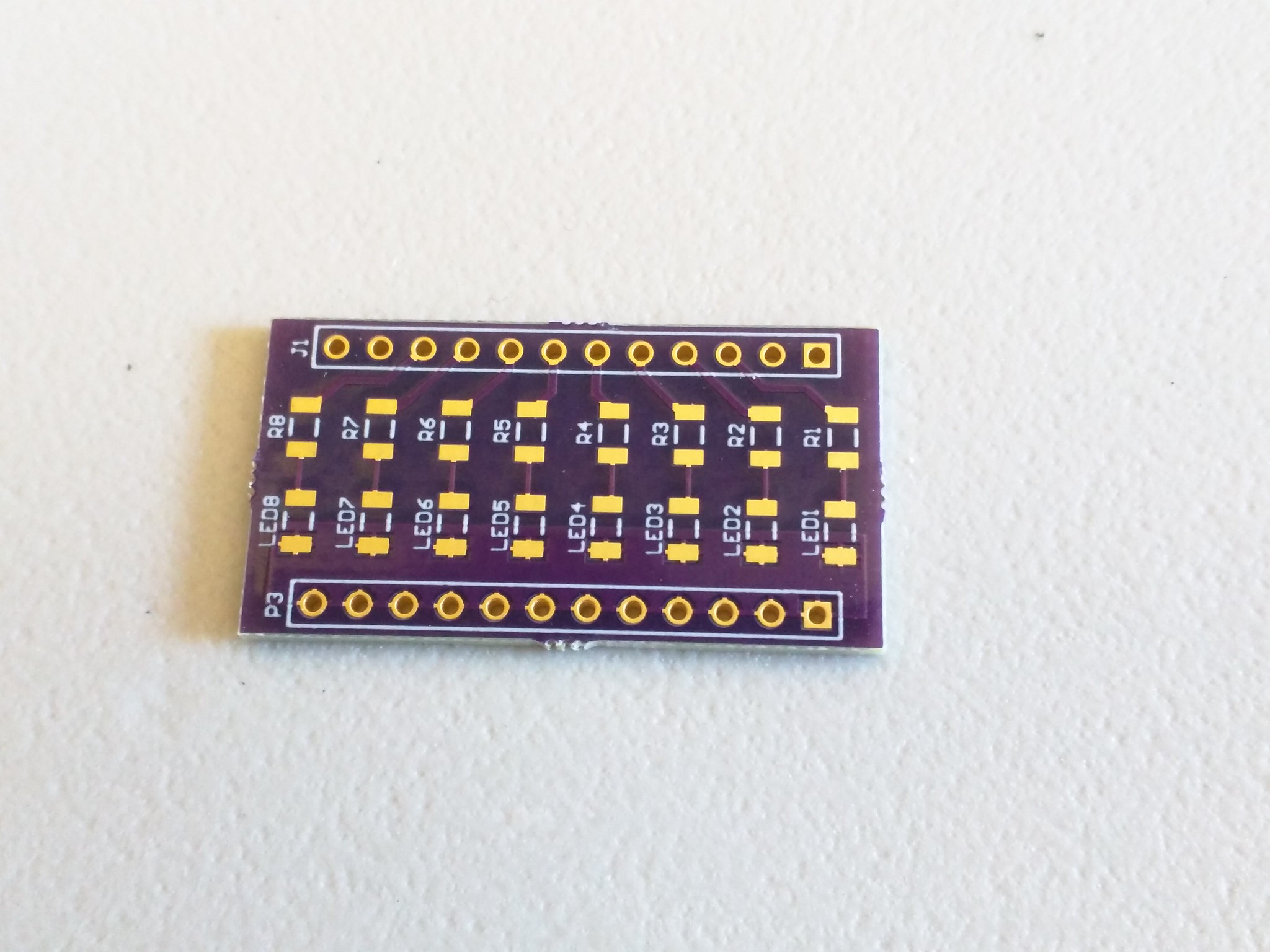
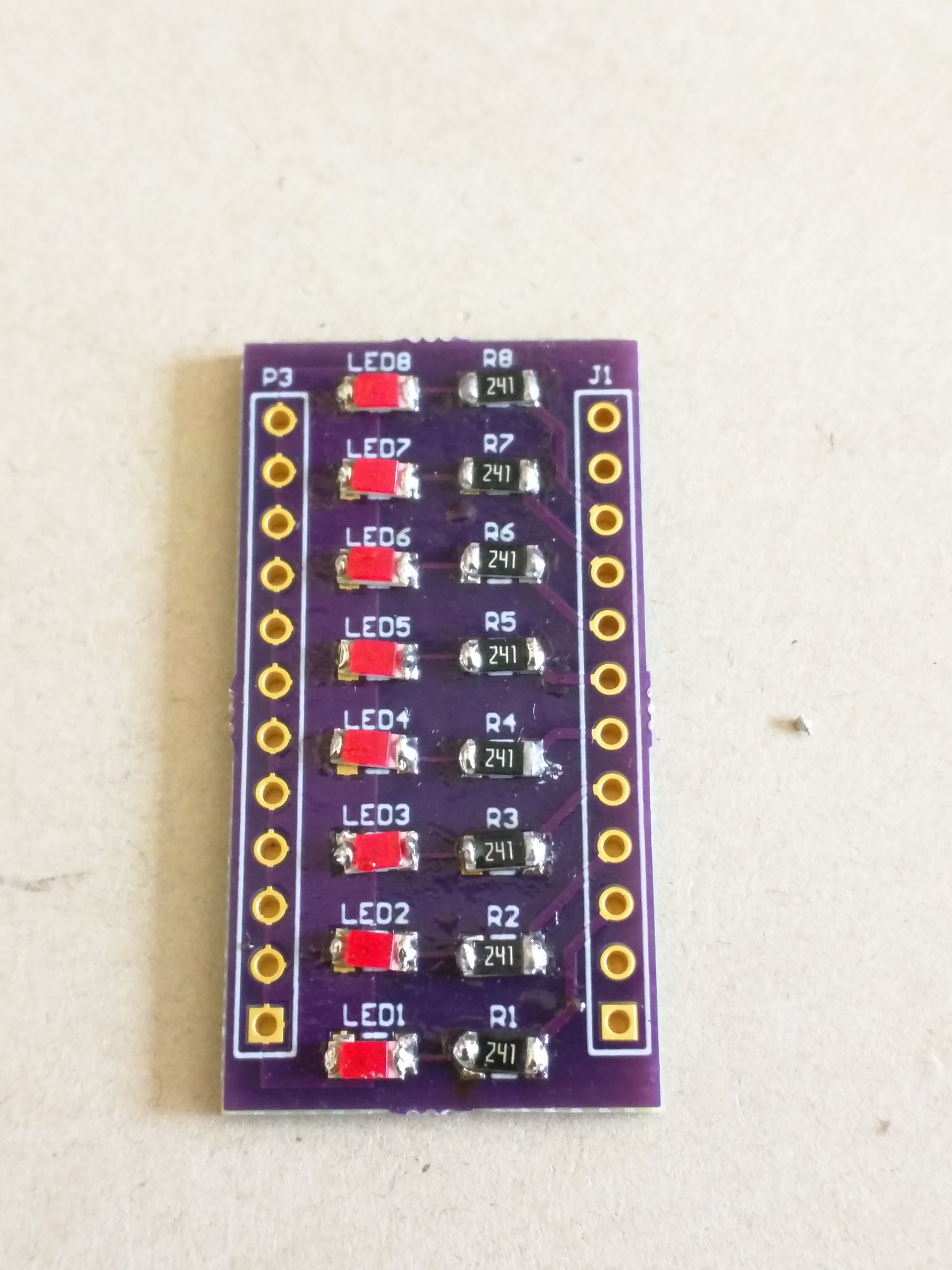
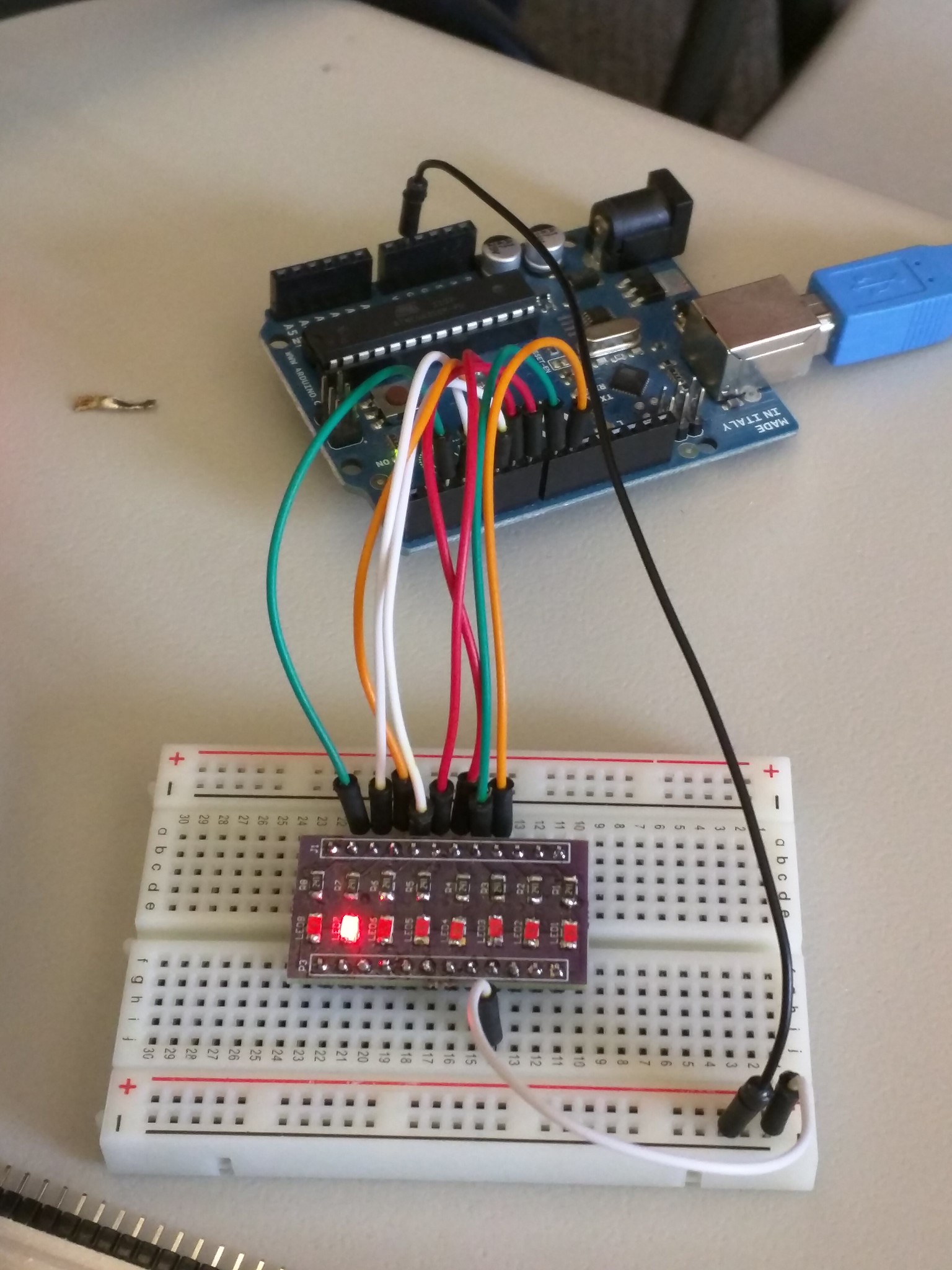
Board #1 – Simple LED Breakout Board


This is the first board of the day... very simple :)

201511 Hackaday

Soldered all of the resistors and LEDs.

201511 Hackaday

Works!

201511 Hackaday

Board #2 – Configurable Breadboard Power Supply


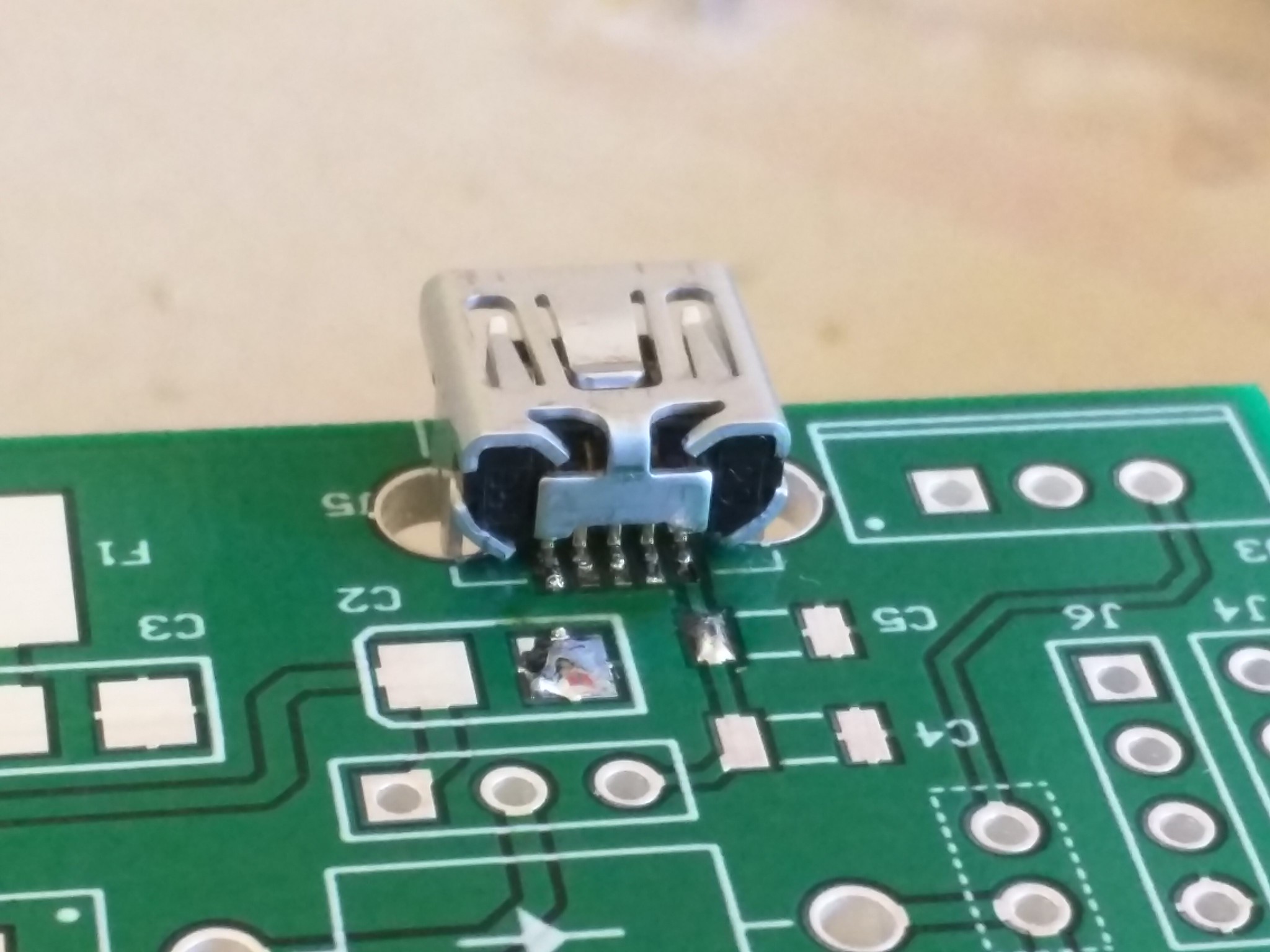
First step: solder the USB port. It's so tiny and hard!

201511 Hackaday

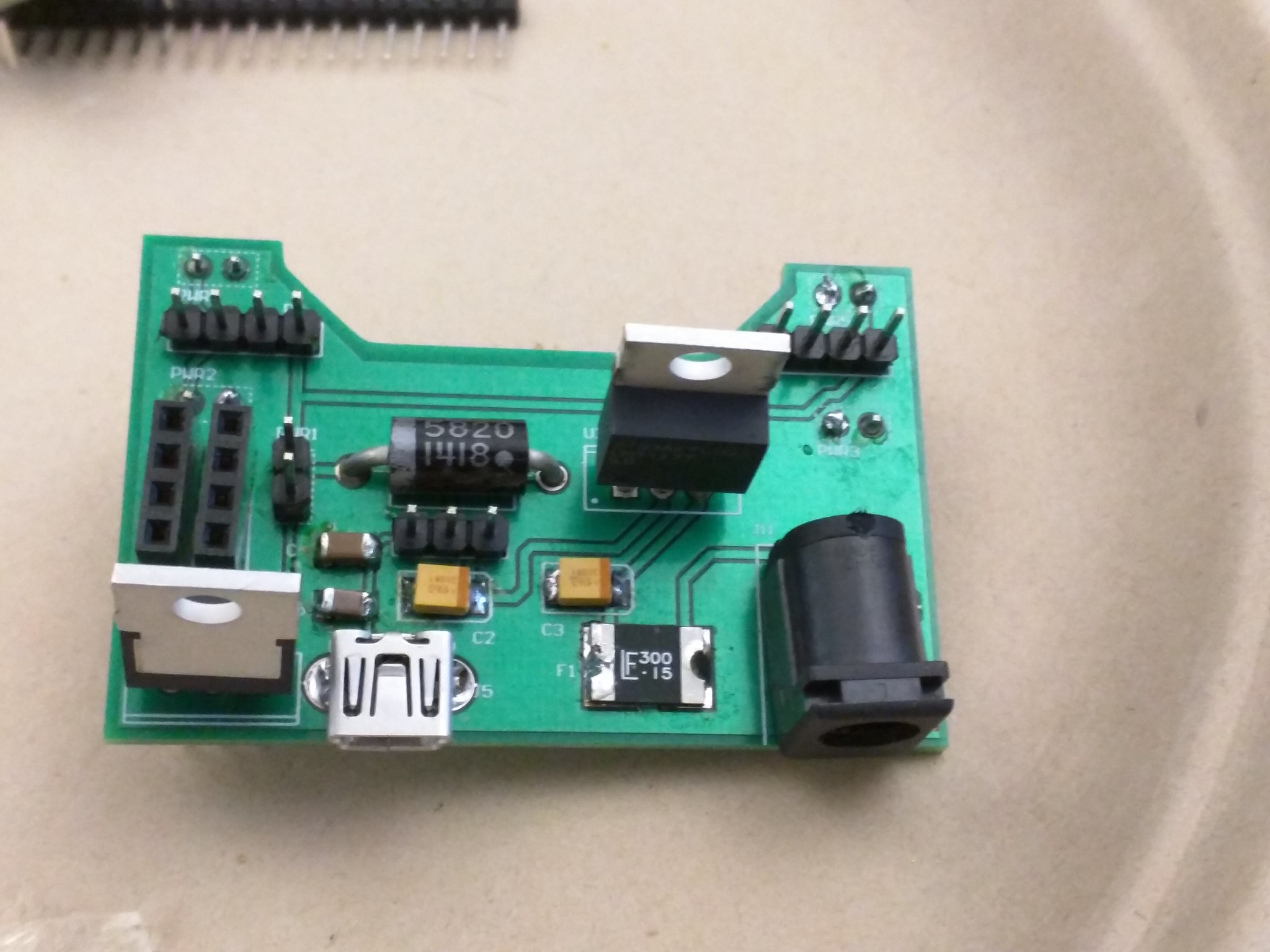
Solder all other parts.

201511 Hackaday

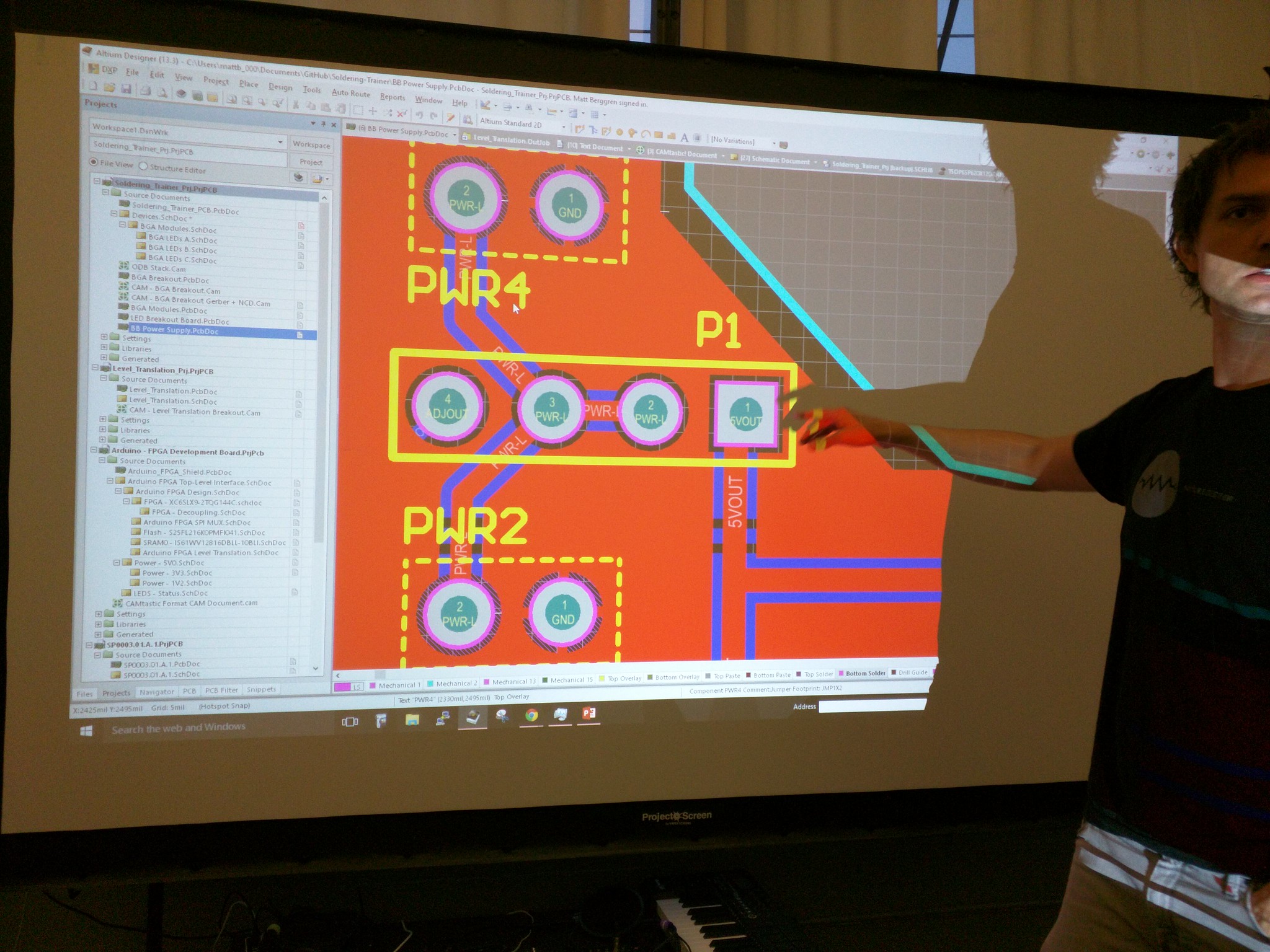
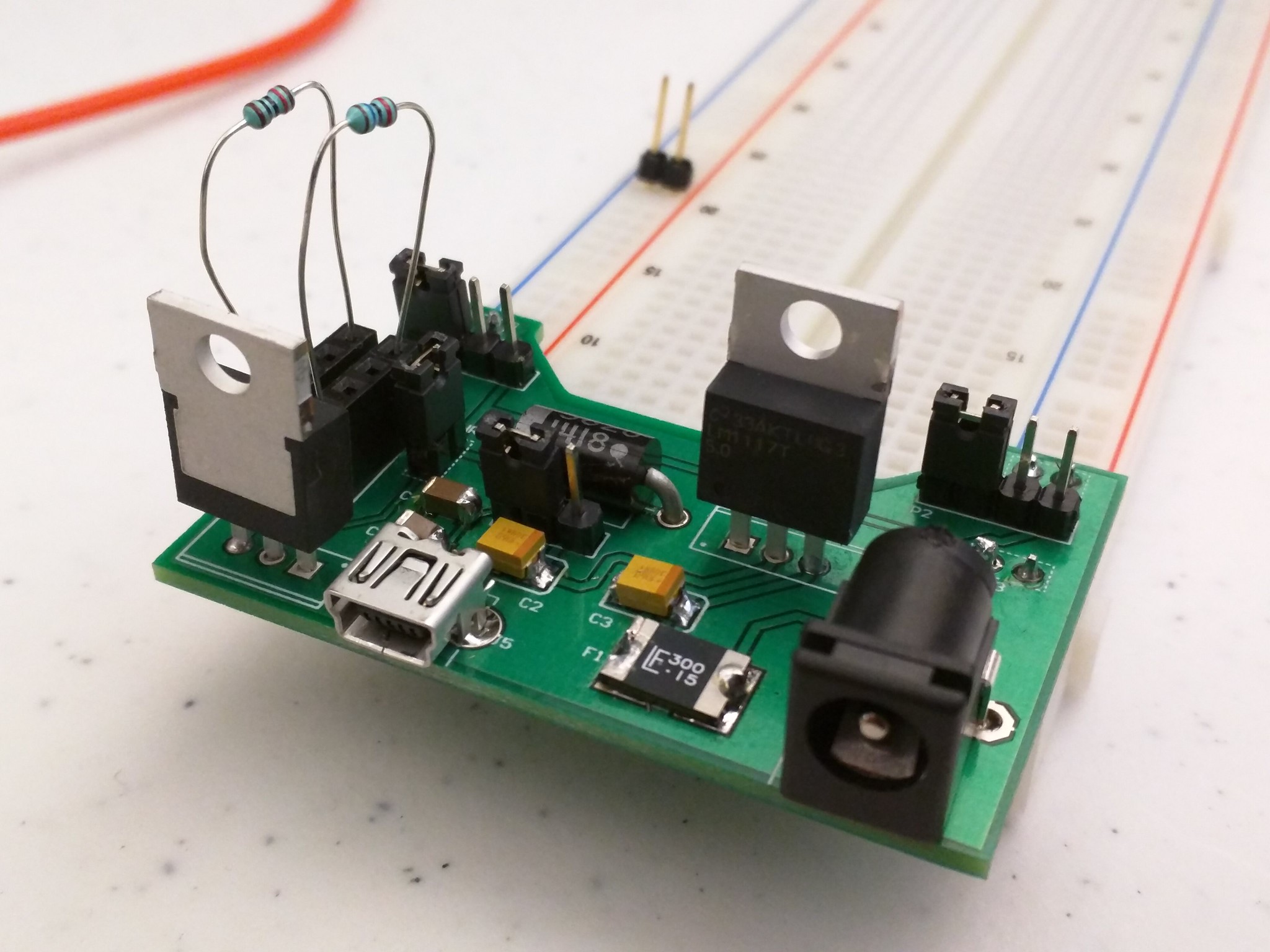
Here is the magic. On P1, which connects to left rail on the breadboard, by putting jumper on left 2 slots, we direct to 5V. By putting jumper on right 2 slots, we direct to adjustable power.

This is important, since when you are using Arduino, power is 5V, but other things you might want to use might be 3.3V. So this board allows us to use 5V on one side and other voltage on the other side :)

201511 Hackaday

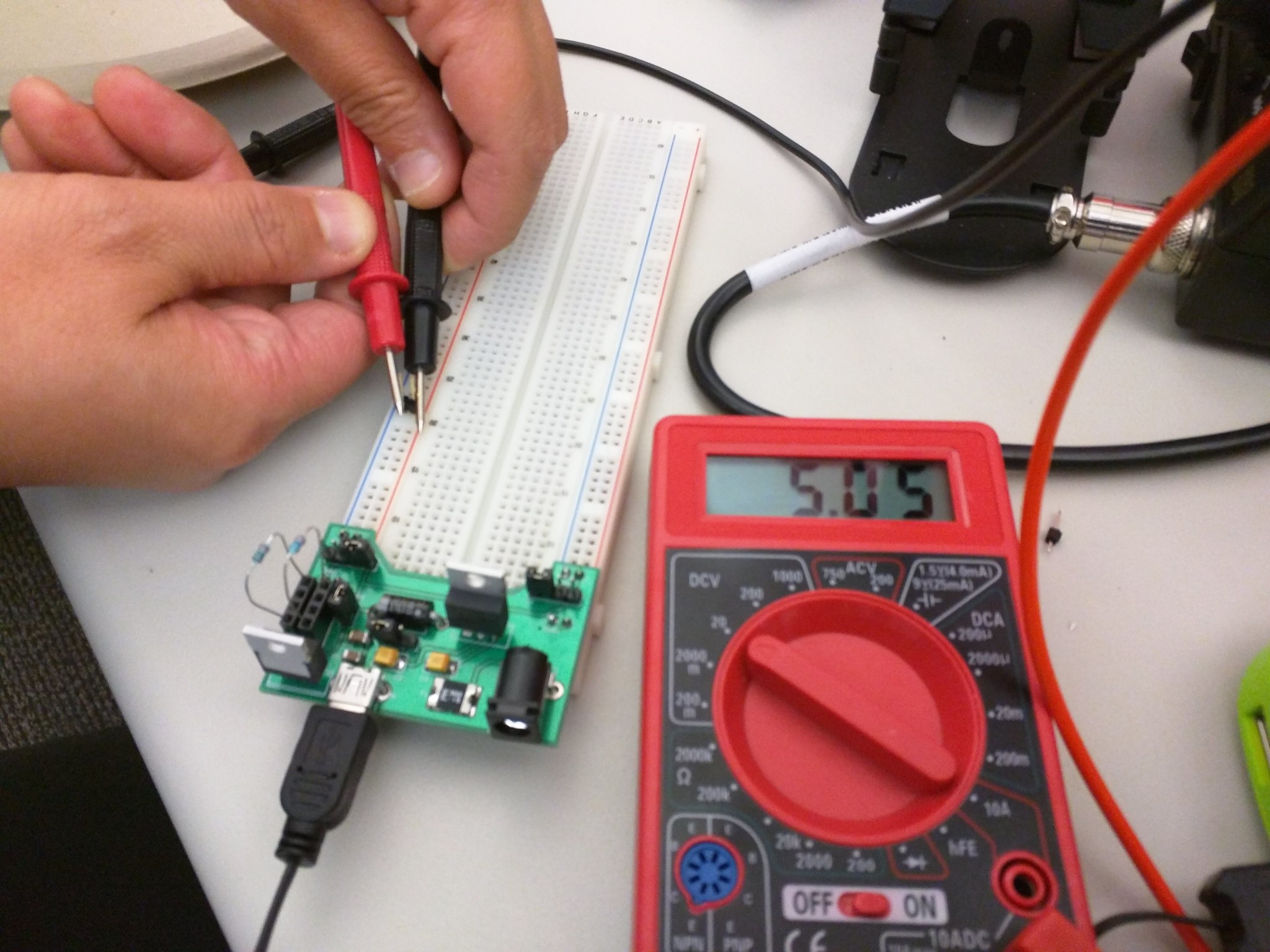
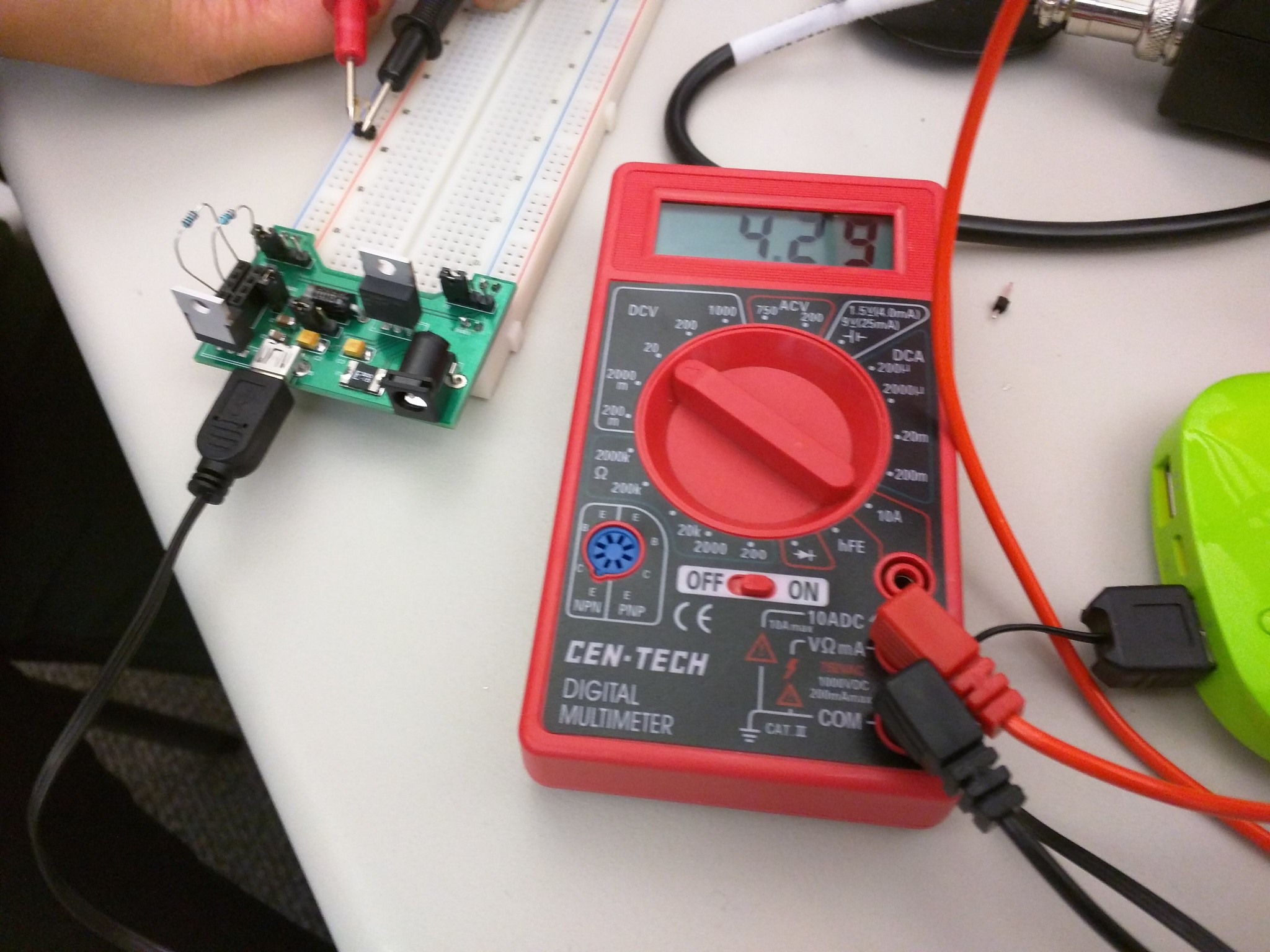
Testing that 5V mode works.

201511 Hackaday

Testing that the adjustable mode works.

201511 Hackaday

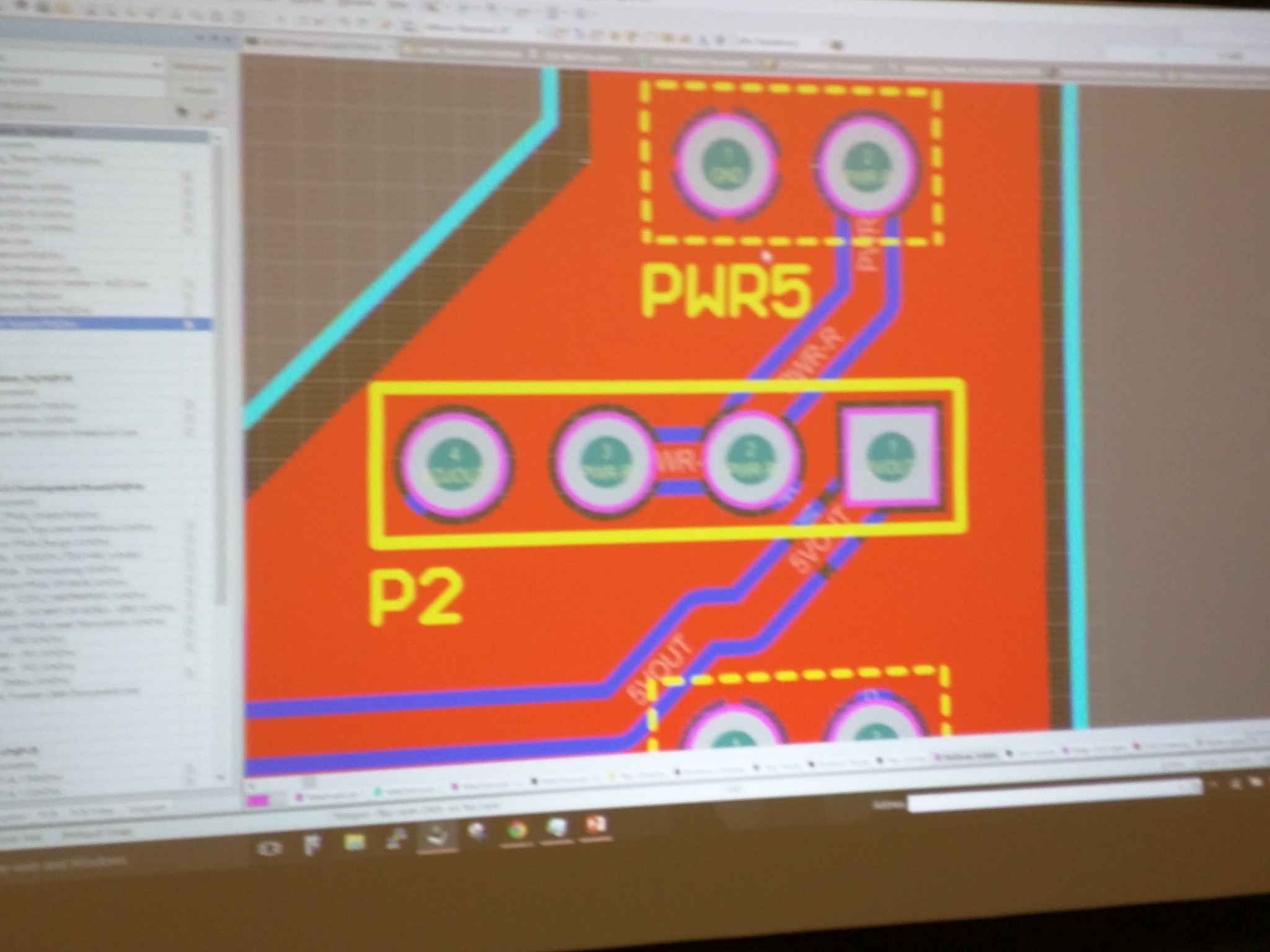
Similarly on P2, which connects to right rail on the breadboard, by putting jumper on left 2 slots, we direct to 5V. By putting jumper on right 2 slots, we direct to adjustable power.

201511 Hackaday

The middle 3 slots directs where the power comes from. Left 2 will indicate power source is from USB, if we change the jumper to the right one, it directs to DC power source.

201511 Hackaday

Board #3 – BGA-PCB test Platform

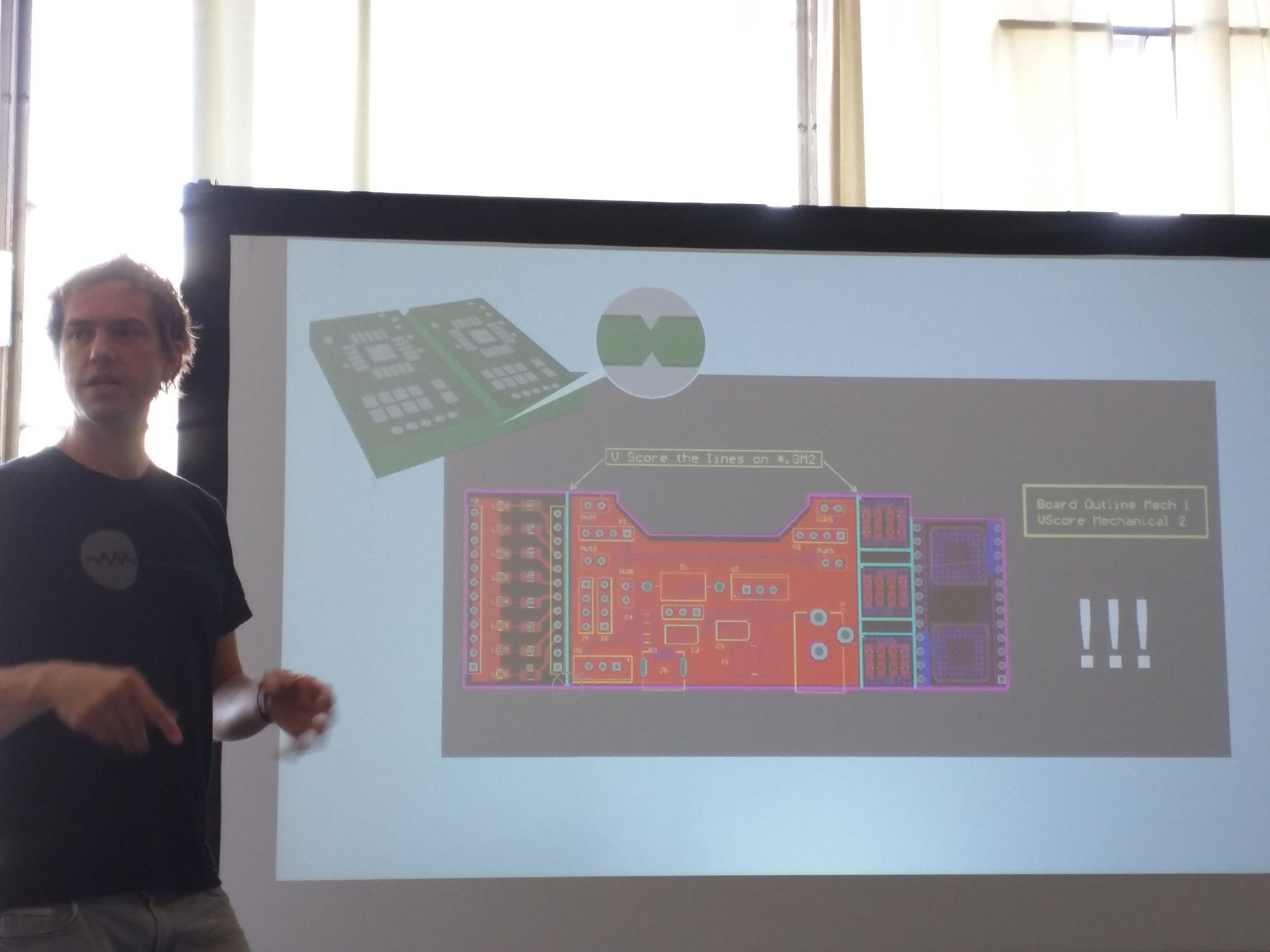
Here comes the hard part- we're doing BGA (ball grid array)!


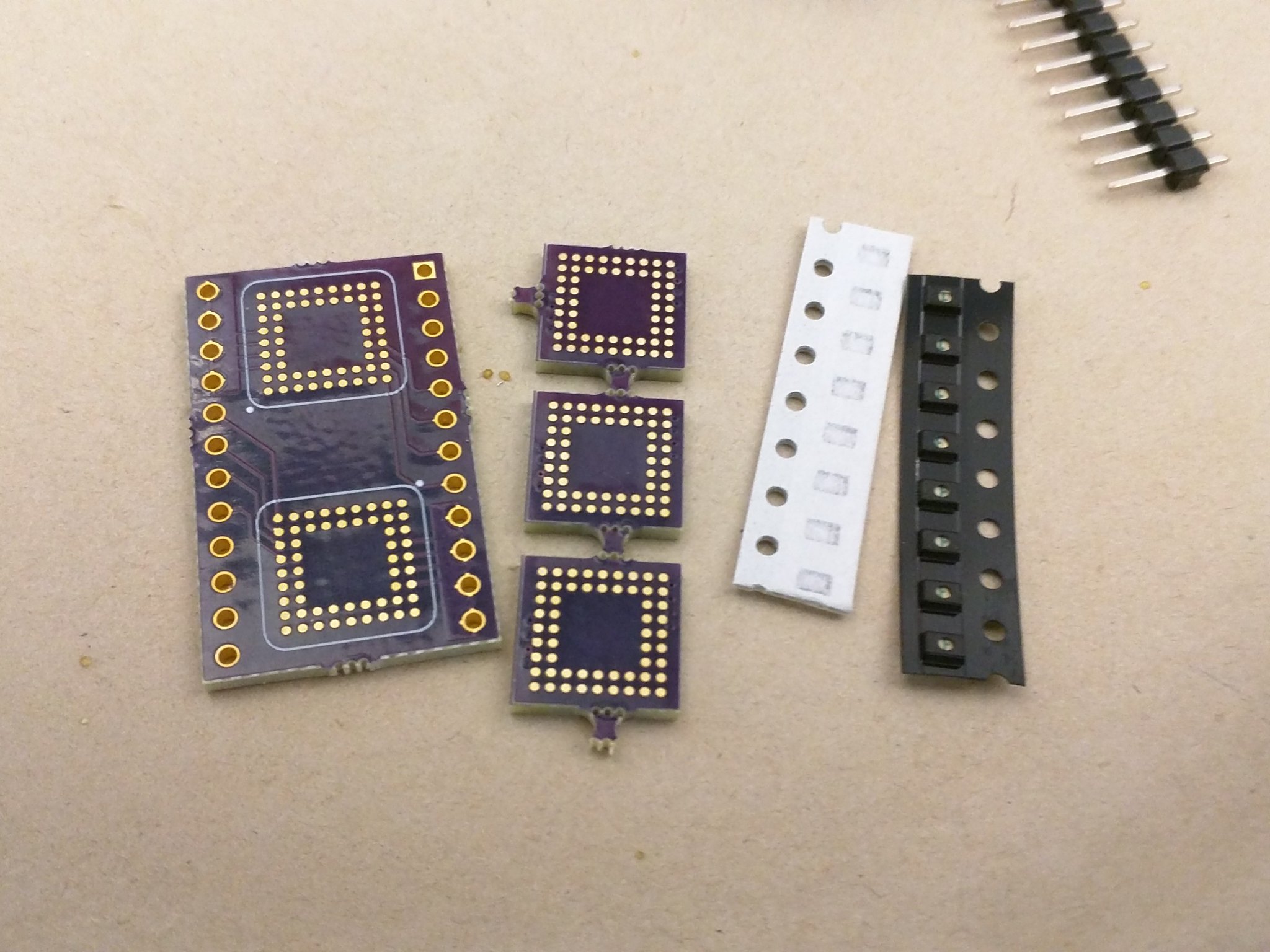
This is the parts we used.

201511 Hackaday

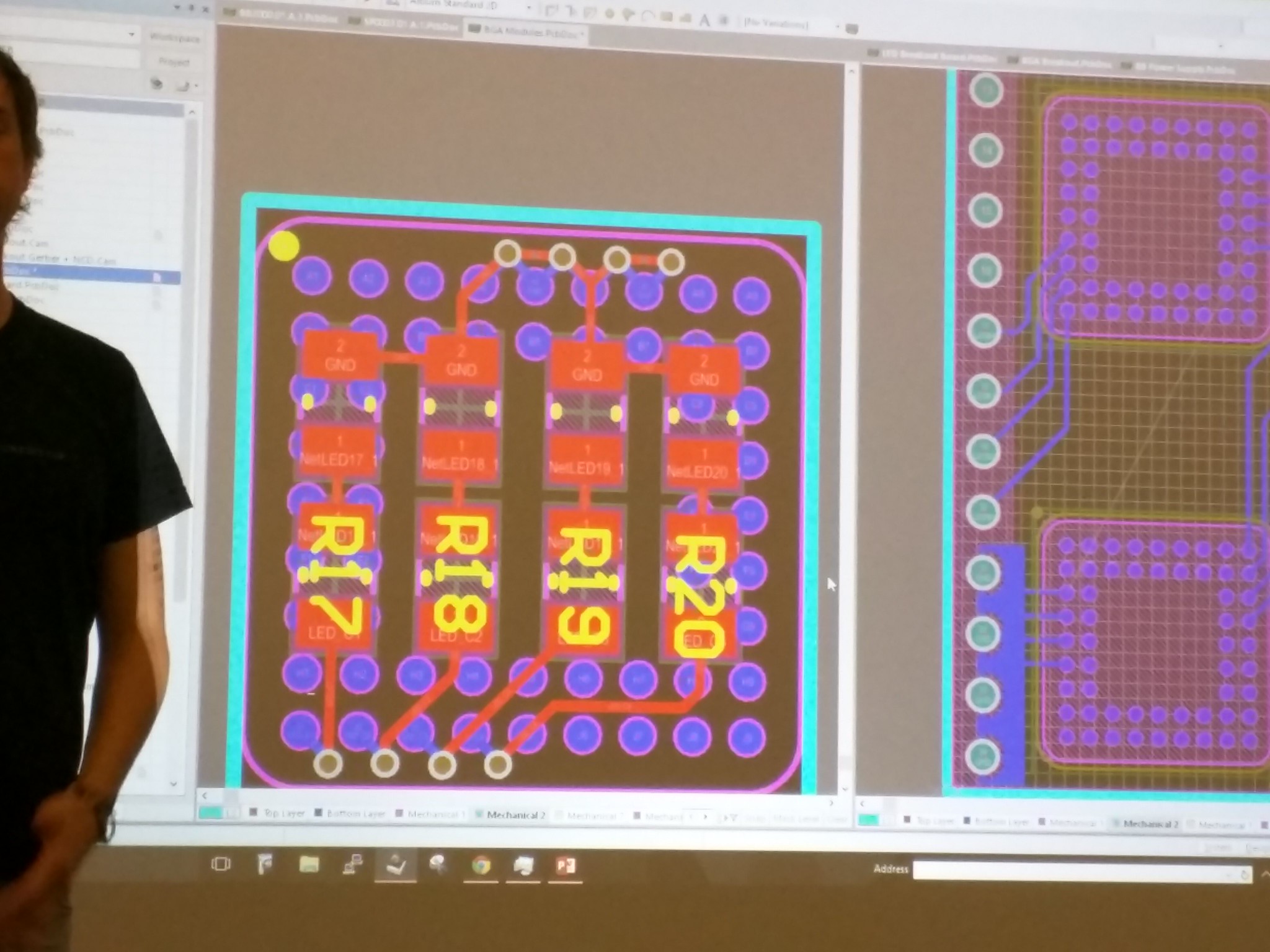
Schematics of resistors and LEDs.

201511 Hackaday

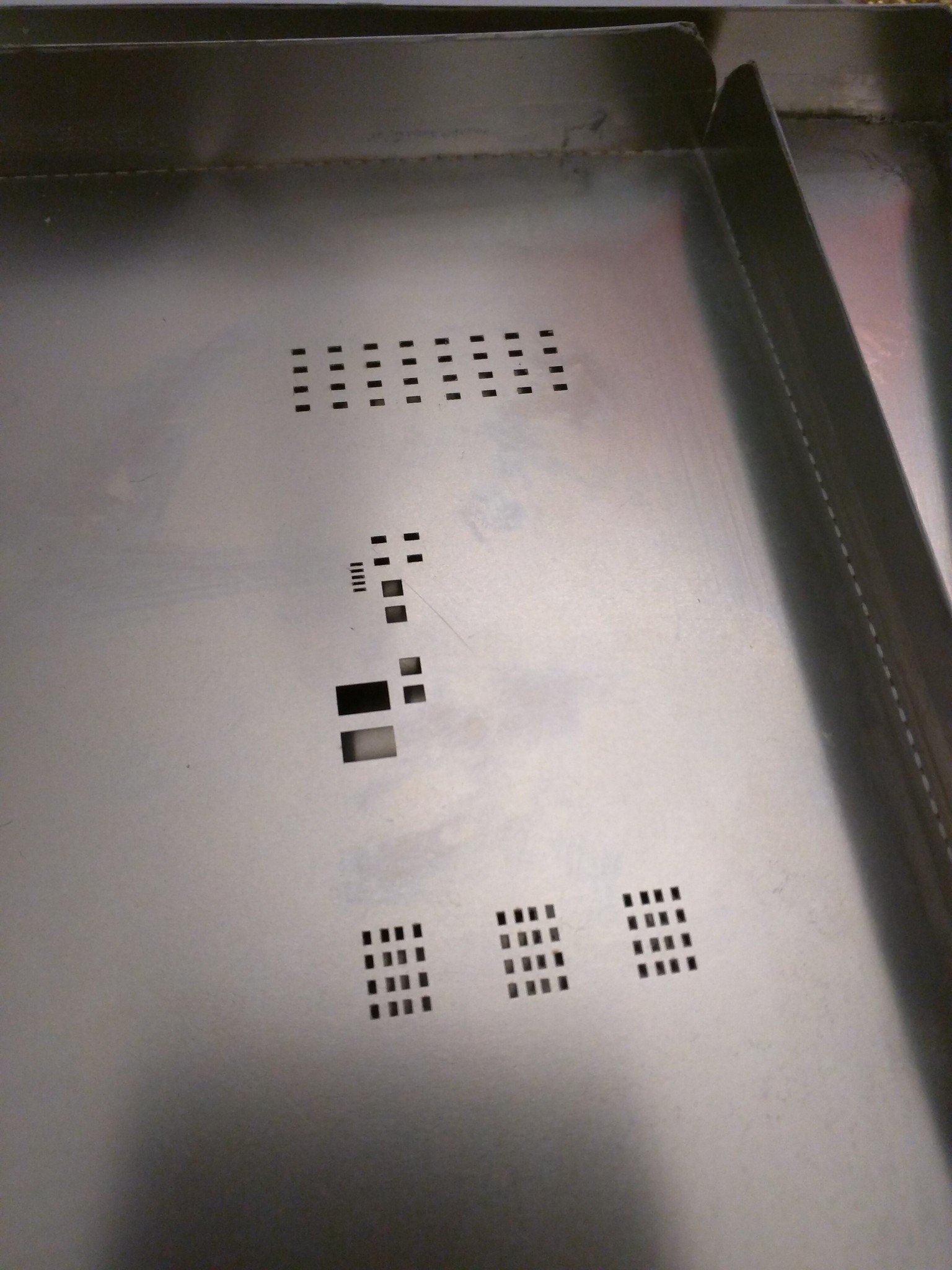
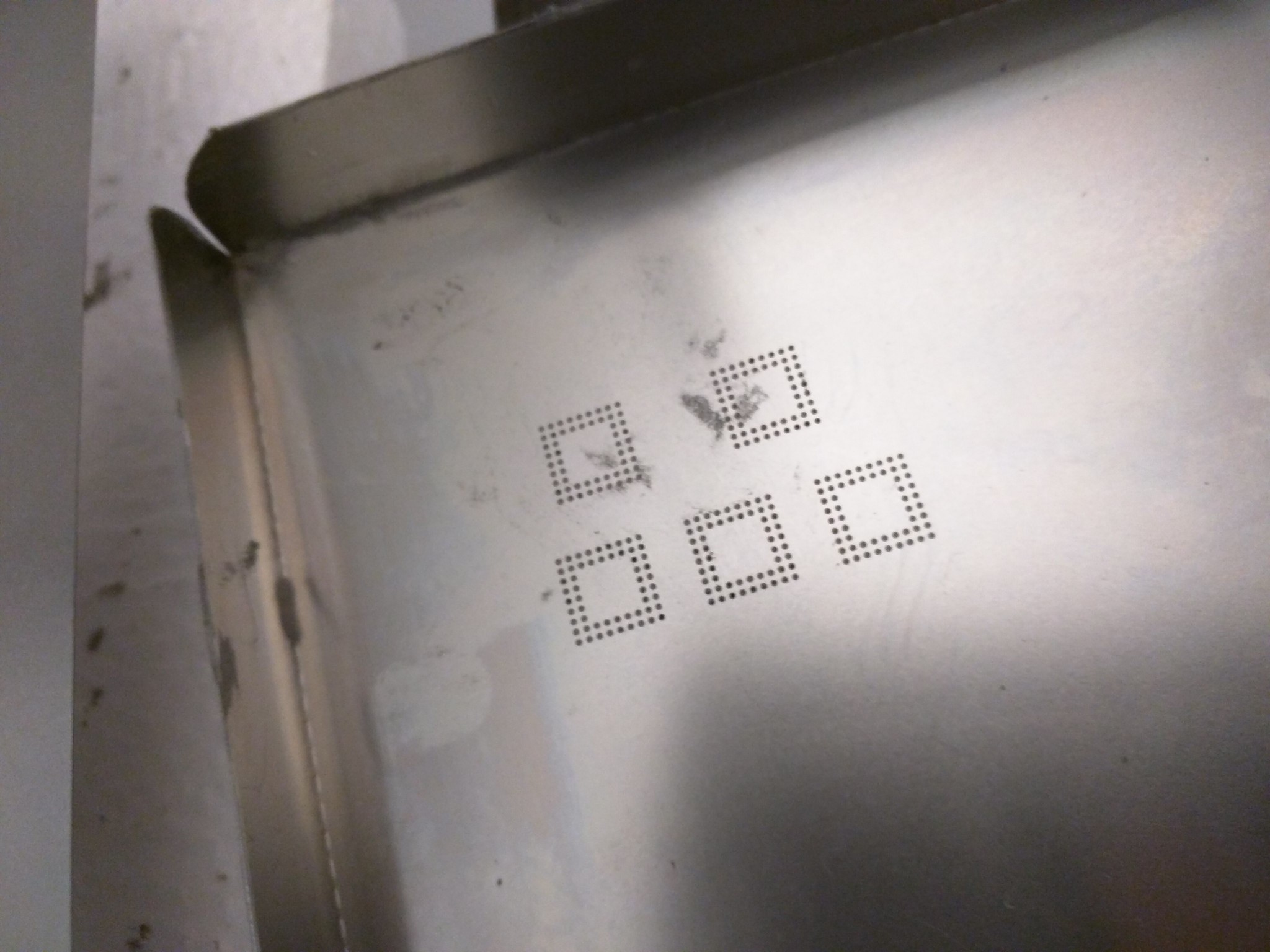
These are the stencils we used.

201511 Hackaday

201511 Hackaday

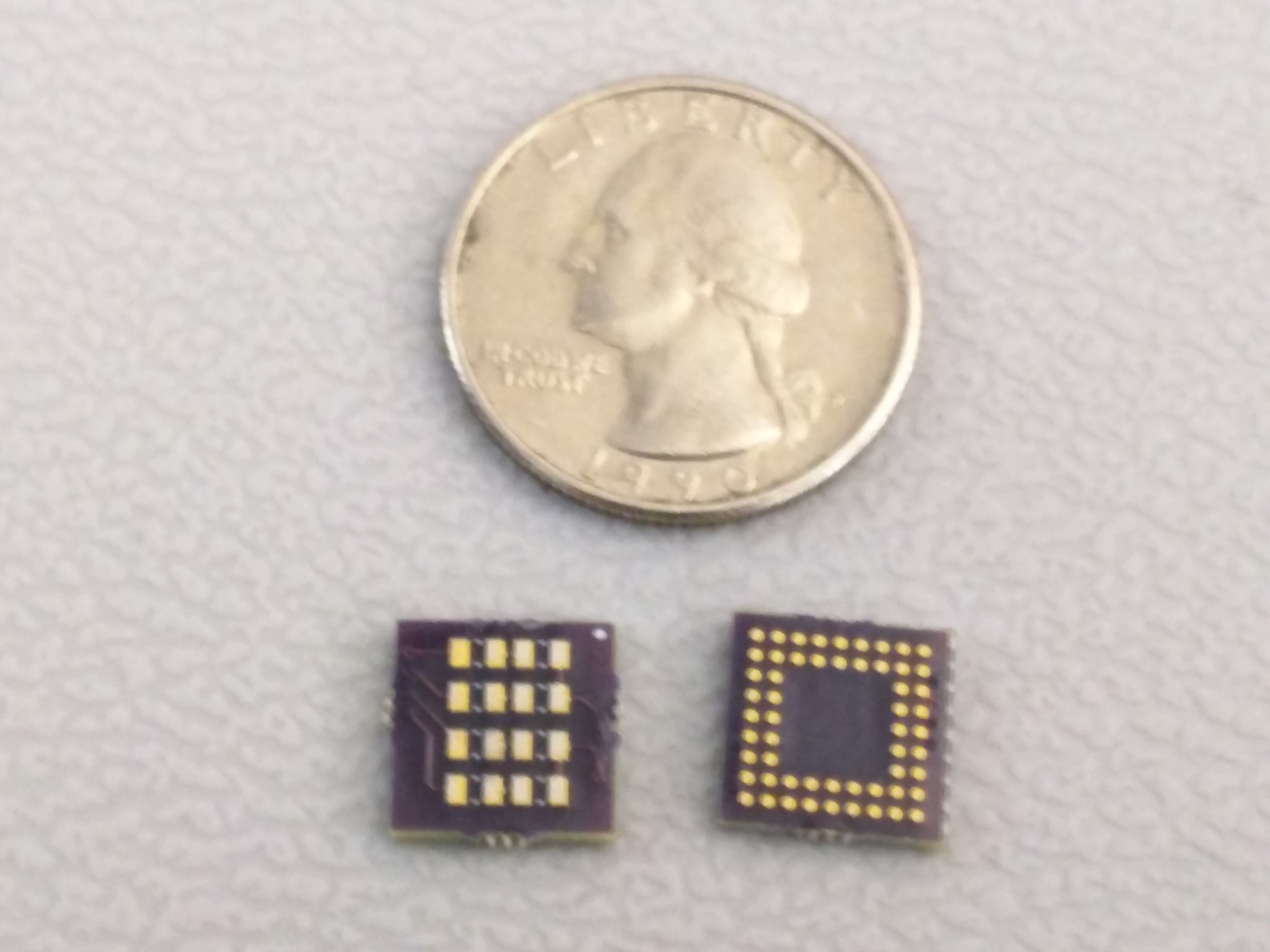
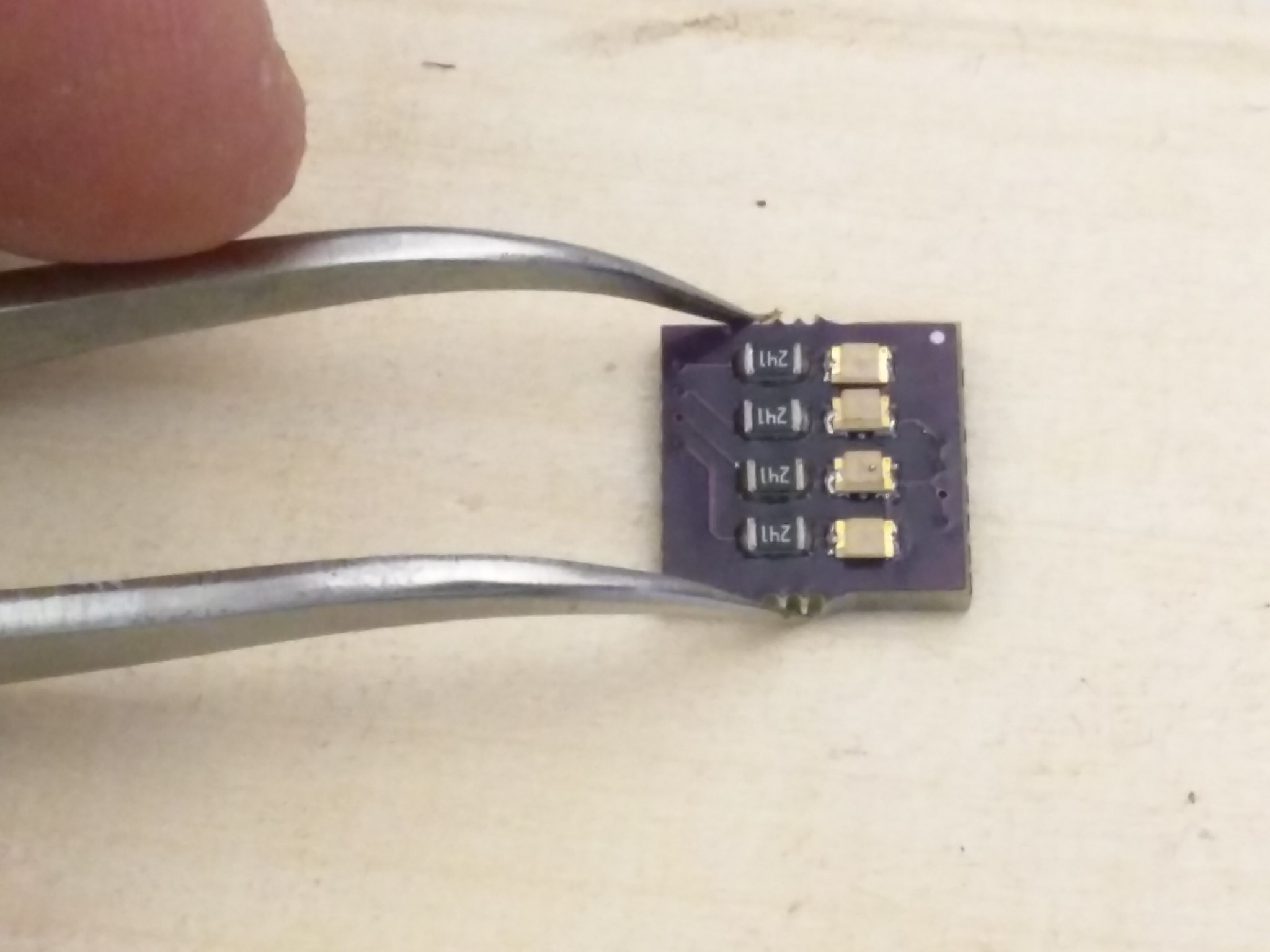
This is the boards- you can see it's tiny. Imagine how hard soldering on the back side of the board (right) is...!

201511 Hackaday

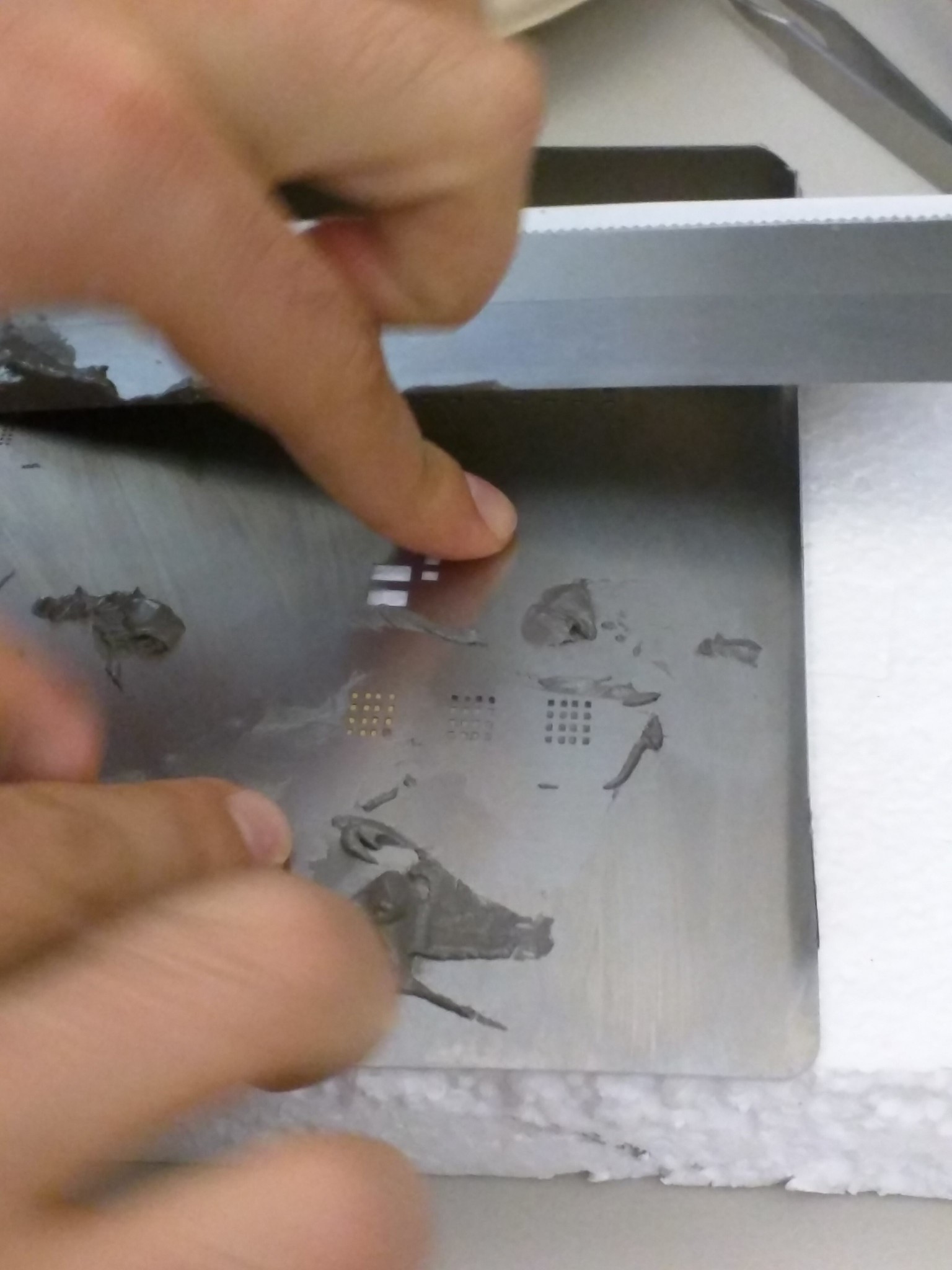
Place the board under the stencil, put the solder paste on the stencil.

201511 Hackaday

Place the resistors and LEDs on the solder paste. Heat it till the solder turns silver and shiny.

201511 Hackaday

Turn it over and place the board under the stencil again, put the solder paste on the stencil- this is really really hard. I had to do it over many many many many times.

When you finally get the solder paste properly on the board, heat the board again, but be careful- if you overheat, the parts on the other side of the board will move.

I couldn't take any pictures of this process since my hands were dirty with the solder paste.

After both sides are done, put solder paste on the bigger board as well, and place the smaller board on top of the bigger one.

201511 Hackaday

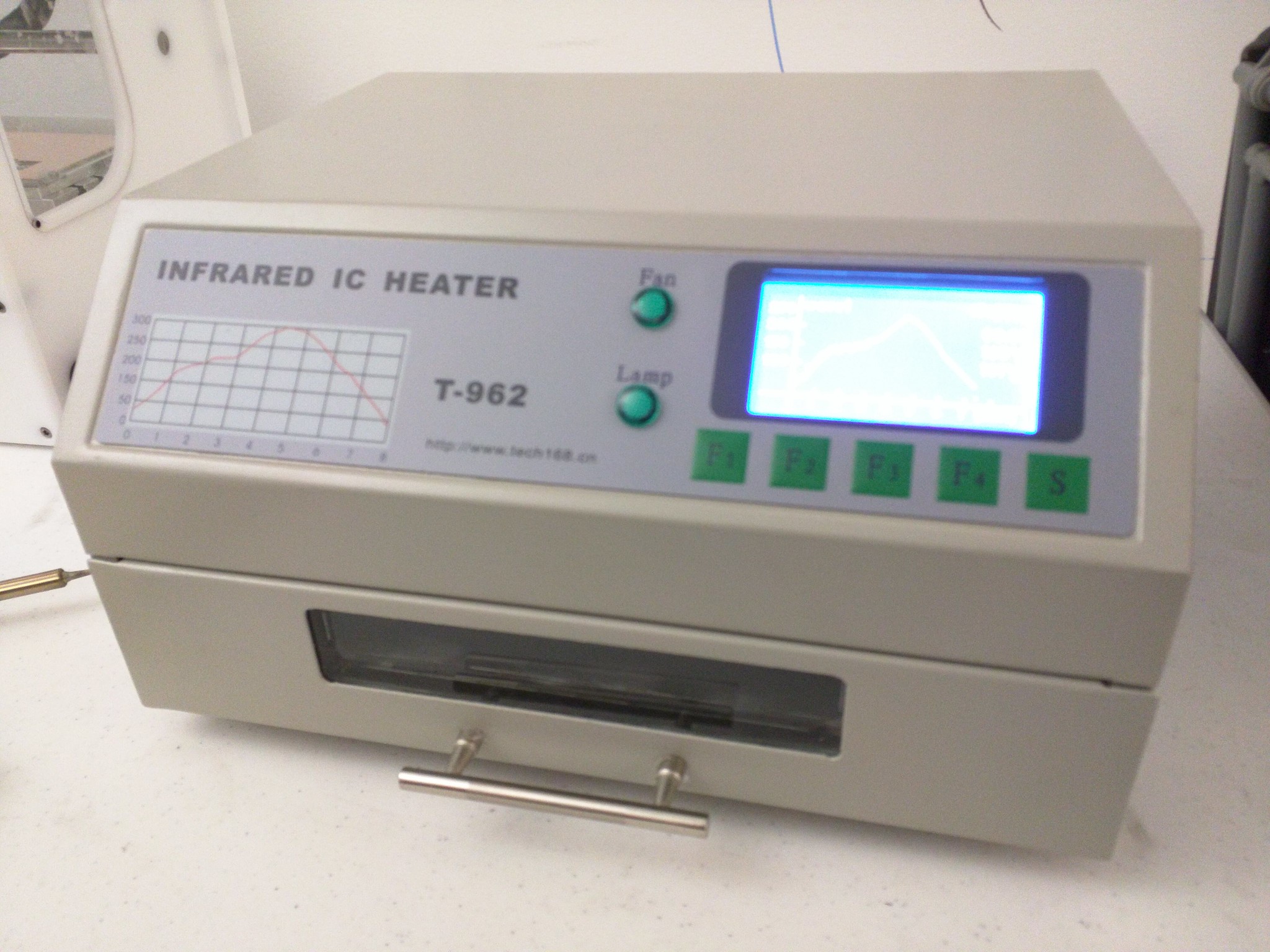
Put the board in the IC heater.

201511 Hackaday

201511 Hackaday

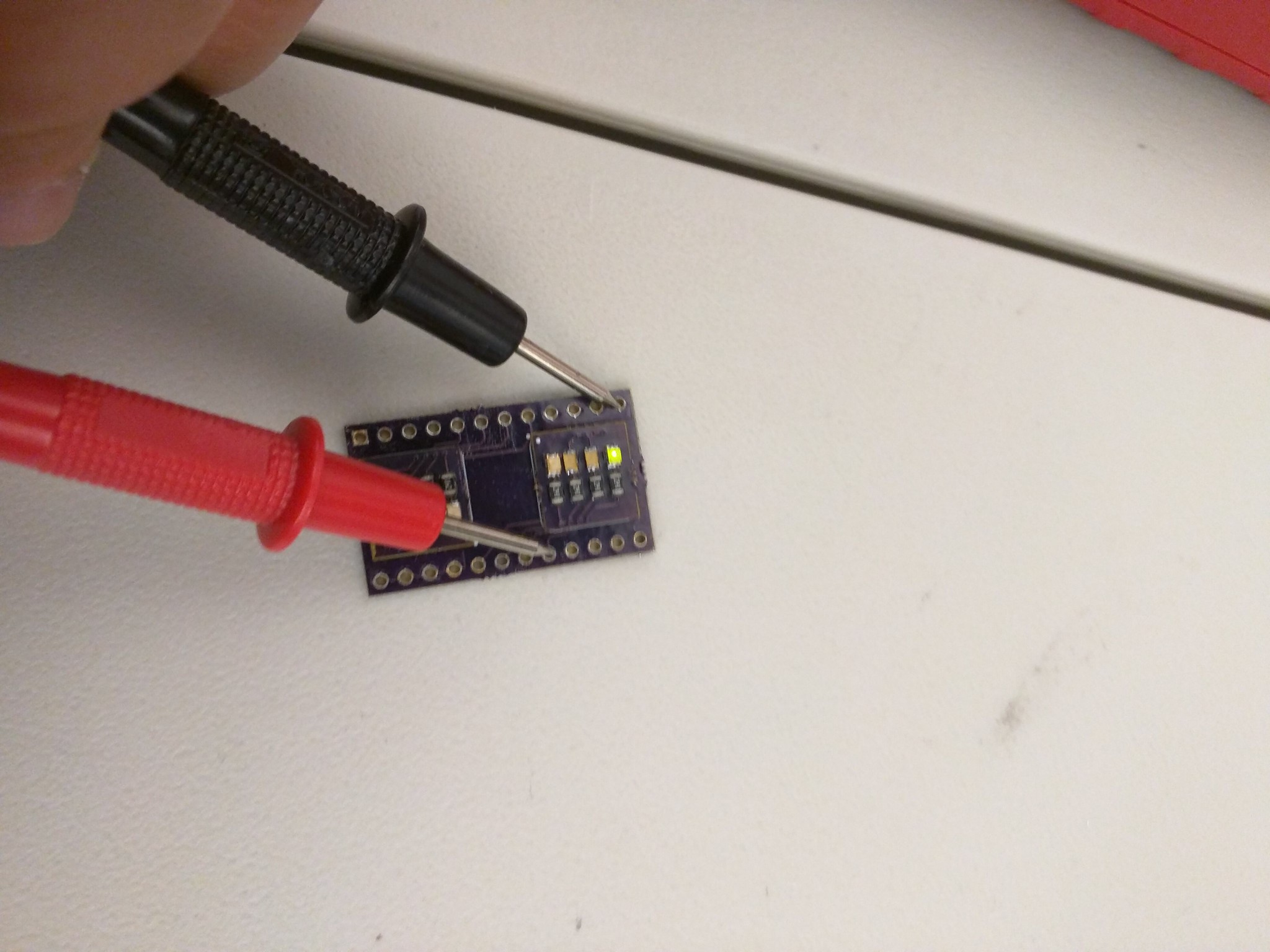
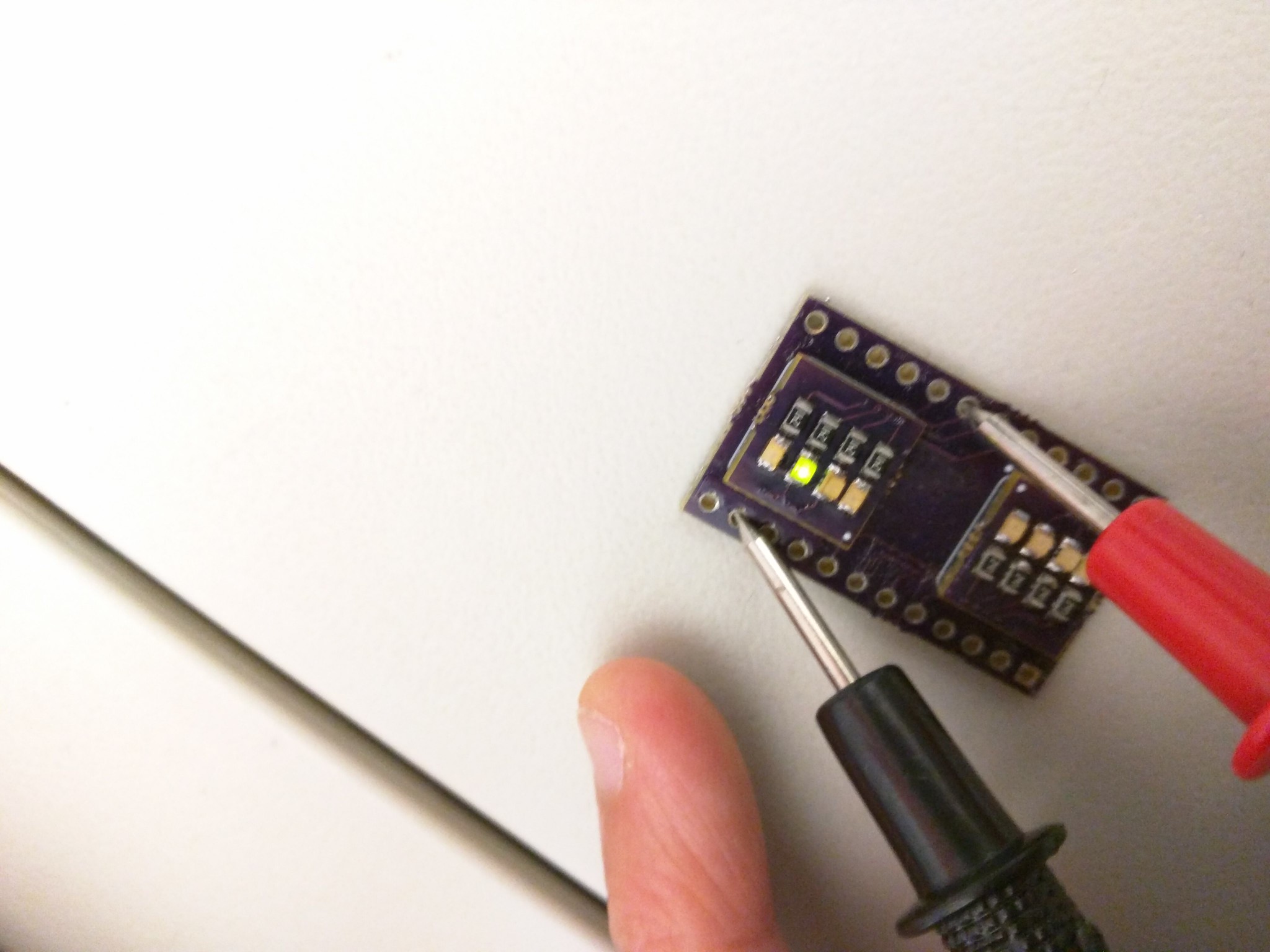
Done! And all LED works as intended...

201511 Hackaday

201511 Hackaday

And we're done!!

201511 Hackaday

Recommended tools by Matthew:


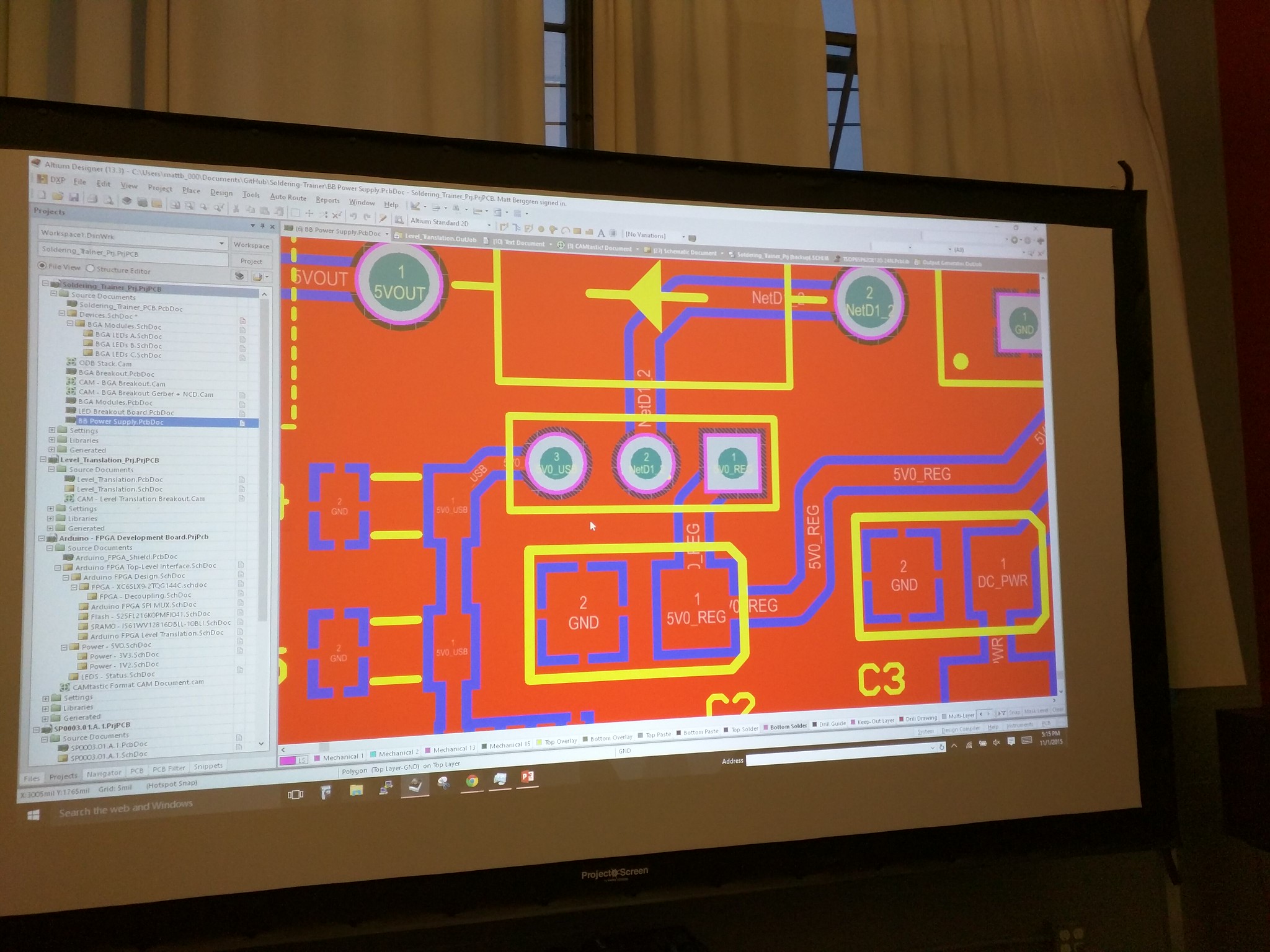
Thanks again Matt, and for those of you interested, his slides etc can be found here:
https://hackaday.io/matt

Disclaimer: The opinions expressed here are my own, and do not reflect those of my employer. -Fumi Yamazaki